Guide
Best Payment Processors for Small Business (2026)
Taking cards stopped being optional a while ago. The Federal Reserve's 2026 Diary of Consumer Payment Choice counts the average American making 47 payments a month — 16 by credit card, 15 by debit, and just six in cash. If your business can't take a card, you're turning away most of how people actually pay.
The catch is that card acceptance has a price, and it's one of the most opaque line items in small business. This guide compares eleven processors on what they actually charge — the per-swipe rates, the monthly fees, and the fine print that only shows up on your statement. We'll also show you the one calculation that matters more than any ranking: your *effective rate*, and the volume point where switching pricing models starts paying for itself.
Quick comparison
| Processor | Best for | In-person rate | Online rate | Monthly fee |
|---|---|---|---|---|
| Square | Shops, cafés, salons | 2.6% + 15¢ | 3.3% + 30¢ | $0 (Plus $49) |
| Stripe | Online-first businesses | 2.7% + 5¢ | 2.9% + 30¢ | $0 |
| Helcim | Lowering fees as you grow | interchange + 0.40% + 8¢ | interchange + 0.50% + 25¢ | $0 |
| PayPal | Wallet trust at checkout | 2.29% + 9¢ (Zettle) | 2.99% + 49¢ | $0 |
| Chase Payment Solutions | Chase business customers | 2.6% + 10¢ | 2.9% + 25¢ | varies |
| Stax | $8k+/mo, subscription model | interchange + 8¢ | interchange + 15¢ | from $99 |
| Payment Depot | Quoted interchange-plus | interchange + quoted % | interchange + quoted % | $0 + $10 PCI |
| Clover | POS-first storefronts | from 2.3% + 10¢ | 3.5% + 10¢ keyed | from ~$15 |
| Shopify Payments | Shopify stores | 2.4–2.6% + 10¢ | 2.5–2.9% + 30¢ | plan $29+ |
| Braintree | Developers, Venmo checkout | — | 2.89% + 29¢ | $0 |
| Adyen | High-volume, international | $0.13 + interchange++ | $0.13 + interchange++ | invoice minimum |
How we ranked these
Processor marketing leans hard on "simple" and "transparent" while the real costs live in fixed per-transaction fees, keyed-entry surcharges, and monthly add-ons. We weighed six things:
- True cost at small-business volume — what a shop doing a few thousand dollars a month actually pays, not the headline rate.
- Pricing model fit — flat-rate is convenience-priced: you overpay per transaction in exchange for zero commitment. Interchange-plus and subscription pricing are the leverage upgrade — past roughly $8–10k/month in card volume, they usually buy back real money every month.
- Fine print — keyed-entry surcharges, dispute fees, PCI fees, contract length, and hardware lock-in.
- What's bundled — POS software, invoicing, recurring billing, and whether "free" features gate an upgrade.
- Small-business fit — setup a non-developer can survive, support a solo owner can reach.
- Track record — recent price changes and how visibly the vendor publishes its rates.
Star ratings below are real, sourced from G2 and Capterra (linked and dated), and shown only where the review base is big enough to mean something — several processors are left unrated rather than given a shaky number. Where a rate couldn't be read from the vendor's own page, we flag the source we used instead.
The best payment processors
1. Square — best all-round for in-person small businesses
For a shop, café, salon, or market stall, Square is still the fastest path from "I need to take cards" to taking cards — a free plan, a $0 reader option, and POS software that a new employee learns in an afternoon. It earns the top spot on completeness, with one honest caveat: it got more expensive this year.
- Key features: free POS app, invoices, and online store; card readers through full registers; unified plans now bundle its restaurant/retail/appointments software.
- Pricing: Square Free $0/month; Plus $49/month per location; Premium $149/month per location (per Square's October 2025 unified-pricing announcement). Processing on the Free plan: in-person 2.6% + 15¢, online 3.3% + 30¢, keyed 3.5% + 15¢; Plus and Premium lower in-person to 2.5%/2.4% + 15¢ and online to 2.9% + 30¢. Square's pricing pages blocked our automated check — these rates are via NerdWallet's fee breakdown (updated 2026) — so verify current numbers on Square's site.
- The catch: Square raised online rates on the Free plan from 2.9% + 30¢ to 3.3% + 30¢ in January 2026, and the in-person fixed fee from 10¢ to 15¢ — small-ticket sellers feel that fixed fee most.
- Pros: genuinely free to start with no monthly commitment; the strongest hardware/software ecosystem for storefronts; next-day transfers at no cost.
- Cons: 2026 price increases; flat-rate pricing overcharges you as volume grows; account holds are a recurring complaint in reviews.
- Reviews: 4.6/5 on Capterra (~3,000 reviews) — as of July 2026.
2. Stripe — best for online-first businesses
If your revenue arrives through a website, Stripe is the default for a reason: clean checkout, every payment method, and infrastructure that scales from your first sale to a full subscription business without replatforming.
- Key features: hosted checkout and payment links (no developer needed for the basics), invoicing, subscriptions, fraud tools, 100+ payment methods.
- Pricing: online 2.9% + 30¢; keyed cards +0.5%; international cards +1.5%; in-person 2.7% + 5¢; invoicing add-on 0.4% per invoice (capped at $2); ACH 0.8% capped at $5; disputes $15 — all read from Stripe's pricing page, no monthly fee for standard accounts.
- The catch: the 30¢ fixed fee stings on small tickets — a $5 digital sale pays an effective ~8.9%. Custom/interchange-plus pricing exists but only by talking to sales at real volume.
- Pros: $0 monthly with everything unlocked; payment links make it usable without a developer; unmatched product depth as you grow.
- Cons: in-person is possible but clearly second priority; support is ticket-first; sudden account reviews/holds show up in reviews here too.
- Reviews: 4.6/5 on Capterra (~3,400 reviews) — as of July 2026.
3. Helcim — best value once you have steady volume
Helcim is the interchange-plus pick that doesn't make you earn it with a subscription: $0 monthly fee, published markups, and automatic volume discounts. It's the processor this guide's "leverage" advice points at — the upgrade that pays for itself once you're processing real volume.
- Key features: interchange-plus pricing by default, free POS/invoicing/recurring-billing/virtual-terminal tools, no contracts.
- Pricing: $0/month. Card-present: interchange + 0.40% + 8¢ (under $50k/month, stepping down automatically to +0.15% + 6¢ at high volume); keyed/online: interchange + 0.50% + 25¢ stepping down likewise. Recurring/stored-card payments add 0.4%. Smart Terminal $349 (or $32/month for a year); mobile reader $199. All read from Helcim's pricing page.
- The catch: your statement gets more complicated — interchange varies by card, so the "rate" moves month to month (that's the honesty of it, but it takes getting used to). Cheap rewards for tiny volume are modest since interchange dominates small tickets.
- Pros: flat-rate-free savings with zero monthly commitment — rare combination; fee transparency small businesses can actually audit; free tooling bundle.
- Cons: smaller ecosystem than Square/Stripe; no third-party marketplace of POS apps; review bases on G2/Capterra are still too small to cite a reliable rating, so we've left it unrated.
4. PayPal — best for checkout trust and invoicing reach
PayPal is less a primary processor than the acceptance layer your customers already trust: PayPal and Venmo buttons measurably convert wallet-first shoppers, and its invoicing reaches anyone with an email address.
- Key features: PayPal/Venmo/Pay Later buttons, invoicing, QR payments, Zettle POS hardware, virtual terminal.
- Pricing: PayPal-branded checkout 3.49% + 49¢; standard card processing online 2.99% + 49¢; QR codes 2.29% + 9¢; in-person via Zettle 2.29% + 9¢ (keyed in person 3.49% + 9¢); invoicing 2.99% + fee by card or 3.49% via PayPal balance; ACH on invoices 1% capped at $10; Payments Pro gateway $30/month — all read from PayPal's business fees page.
- The catch: the 49¢ fixed fee is the highest here, and PayPal raised several US merchant rates in January 2025. Frozen-funds stories remain the brand's oldest complaint.
- Pros: the largest consumer wallet in the US on your checkout; genuinely cheap in-person rate via Zettle; invoicing with no monthly fee.
- Cons: priciest online headline rate on this list; account holds; the business dashboard shows its age.
- Reviews: 4.6/5 on Capterra (~26,500 reviews) — as of July 2026.
5. Chase Payment Solutions — best if you bank with Chase
Chase Payment Solutions is the direct-from-your-bank option: competitive flat rates, and deposits that land in a Chase business checking account as soon as the same day at no extra cost — the cash-flow perk the fintechs charge ~1.5–1.95% for.
- Key features: Tap to Pay on iPhone (no hardware), Chase POS terminal, direct integration with Chase business banking, custom pricing for larger merchants.
- Pricing: in-person 2.6% + 10¢; online 2.9% + 25¢; keyed/payment links 3.5% + 10–15¢ — Chase's own pages currently disagree on the fixed fee (its overview says 15¢, its merchant-fees page 10¢), so confirm which applies to you. A monthly service fee "may apply" to some products; it's waived with Chase Business Complete Banking and $2,000+/month in processing. All from Chase's own pages.
- The catch: the value case largely assumes you bank with Chase; pricing beyond the flat rates (terminals, service fees) means talking to a Payments Advisor.
- Pros: same-day funding at no cost into Chase checking; a real bank on the other end; lower fixed fees than Square/Stripe online.
- Cons: ecosystem is thinner than Square's; fee details beyond the headline rates aren't fully published; too few third-party reviews to cite a reliable rating — left unrated.
6. Stax — best subscription pricing at volume
Stax flips the model: a flat monthly subscription, 0% markup on interchange, and pennies per transaction. At low volume that subscription is dead weight; past roughly $8–10k/month it starts beating flat-rate soundly.
- Key features: interchange at cost, invoicing and recurring billing, surcharging program, API platform (Stax Connect).
- Pricing: $99/month up to $150k/year in processing, $139/month to $250k, $199+/month above that (custom at higher volume); per-transaction 8¢ in person / 15¢ online; ACH 1% capped at $10 — all read from Stax's pricing page. Add-ons: terminal protection $19/month, chargeback protection $25 per chargeback.
- The catch: $99/month is a real hurdle — do the effective-rate math (below) before committing. Reviews mention upsells on add-ons.
- Pros: at steady volume, the cheapest structure here after Helcim; predictable monthly cost; surcharging support.
- Cons: wrong for anyone under ~$8k/month; the subscription plus add-ons can creep; hardware sold separately.
- Reviews: 4.2/5 on Capterra (~140 reviews, listed under its former name Fattmerchant) — as of July 2026.
7. Payment Depot — best quoted interchange-plus
Payment Depot (now a Stax company) used to sell wholesale-style memberships; it has since moved to quoted interchange-plus with no monthly membership. If you'd rather negotiate a markup than accept a flat rate, this is the door to knock on.
- Key features: interchange-plus with a per-business quoted markup, no contracts or cancellation fees, runs on Stax's processing stack.
- Pricing: $0 monthly membership; quoted markup reported in the interchange + 0.2%–1.95% band; $10/month PCI compliance fee; hardware $125–$2,195. Payment Depot's site blocked our automated check — these figures are via NerdWallet's review (updated January 2026), so treat them as third-party-reported and confirm on your quote.
- The catch: "quoted" means your rate depends on your negotiation; the old advertised membership tiers still float around the web and no longer apply.
- Pros: genuine interchange-plus without a subscription; no cancellation fees; Stax infrastructure underneath.
- Cons: pricing isn't published — you can't comparison-shop without a sales call; PCI fee makes "no monthly fee" not quite true.
- Reviews: 4.7/5 on Capterra (~57 reviews) — as of July 2026.
8. Clover — best POS-first ecosystem
Clover (Fiserv) sells the counter, not just the processing: purpose-built registers, kitchen displays, and vertical software for restaurants, retail, and services, with processing bundled in.
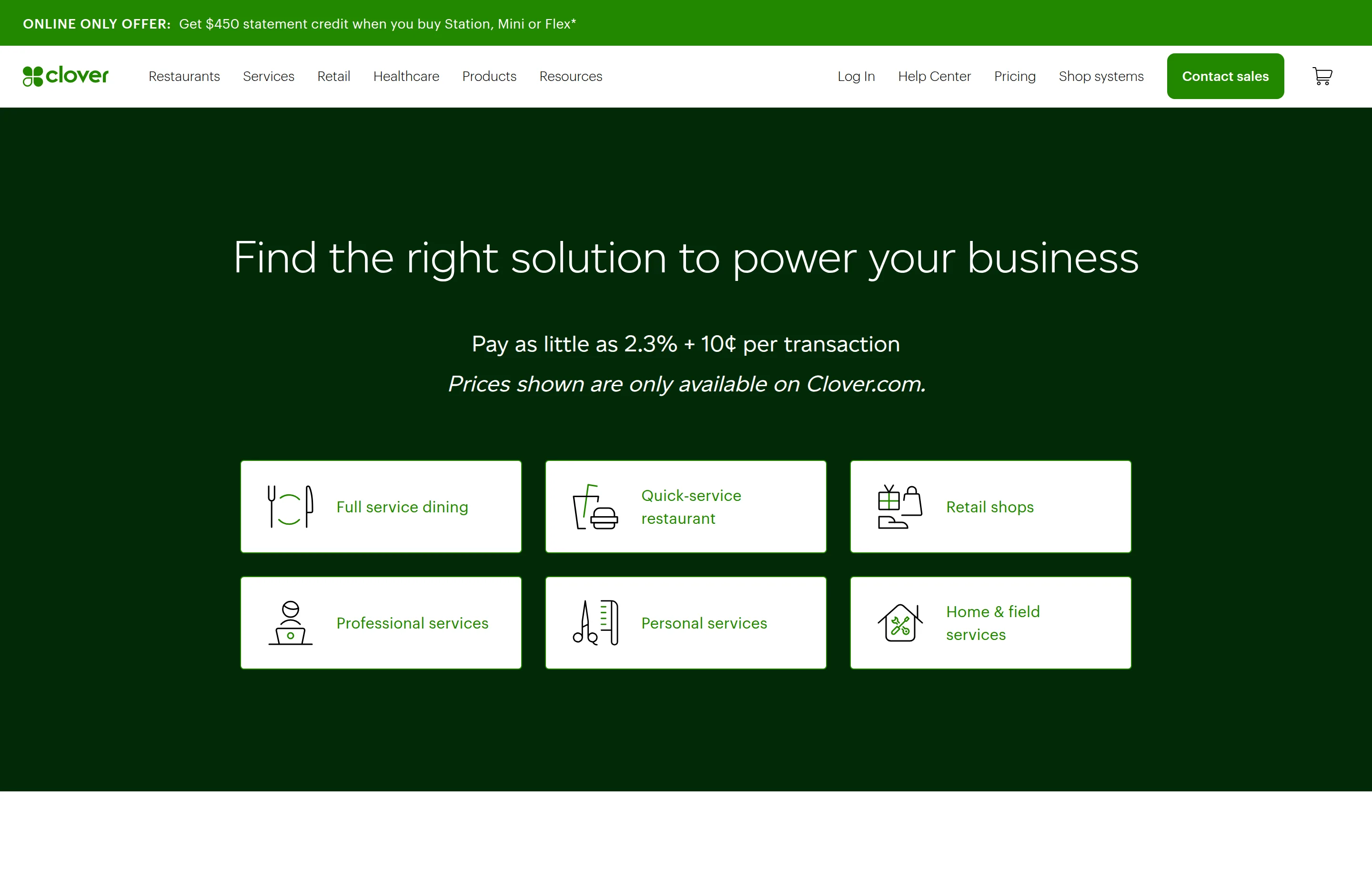
- Key features: hardware line from a $199 handheld (Go) to full registers (Station Duo $1,899), app market, restaurant/retail/services editions.
- Pricing: in-person processing from 2.3% + 10¢ (displayed on Clover's own pricing page) up to ~2.6% + 10¢ on starter plans; keyed 3.5% + 10¢; software plans roughly $14.95/month (virtual terminal) through $135–$354/month for restaurant tiers, typically on 36-month bundle pricing. Clover's pricing page renders figures we could only partially read by machine — software-plan numbers are via Tech.co (Dec 2025) and KoronaPOS (July 2026), which agree with each other; verify your configuration with Clover.
- The catch: 36-month software commitments with early-termination fees are widely reported, and Clover is sold through banks and resellers whose pricing varies. Whether a $0/month payments-only plan still exists is disputed between reviewers — confirm directly.
- Pros: the best purpose-built storefront hardware here; competitive card-present rates; strong restaurant tooling.
- Cons: long contracts; reseller pricing roulette; the weakest review scores on this list.
- Reviews: 3.9/5 on Capterra (~490 reviews) · 3.8/5 on G2 (~80) — as of July 2026.
9. Shopify Payments — best if your store runs on Shopify
If you sell on Shopify, Shopify Payments is less a choice than a strong default: it's built in, and using anything else adds a penalty fee per transaction.
- Key features: zero-integration payments inside Shopify, Shop Pay accelerated checkout, POS for omnichannel retail.
- Pricing: no separate Payments fee — you pay your plan: Basic $29/month (annual billing; $39 monthly), Grow $79/$105, Advanced $299/$399. Online rates by plan: 2.9% / 2.7% / 2.5% + 30¢; in-person 2.6% / 2.5% / 2.4% + 10¢; using a third-party gateway instead adds 2% / 1% / 0.6% — all read from Shopify's pricing page. A $5/month Starter plan for link-in-bio selling is third-party-reported.
- The catch: it only exists inside Shopify — and monthly-billing plan prices rose noticeably in the last year ($29→$39 Basic), making annual billing the real price list.
- Pros: zero setup, one dashboard for orders and payouts; the gateway penalty makes it effectively cheaper than any alternative on-platform; Shop Pay converts well.
- Cons: useless off Shopify; plan price increases; chargeback/reserve handling draws complaints at scale.
- Reviews: 4.5/5 on Capterra (~6,700 reviews, for the Shopify platform overall) — as of July 2026.
10. Braintree — best for developers who want Venmo
Braintree — renamed PayPal Enterprise Payments in mid-2025 — is PayPal's developer-grade gateway: full API control, vaulting, 130+ currencies, and native PayPal + Venmo in one integration.
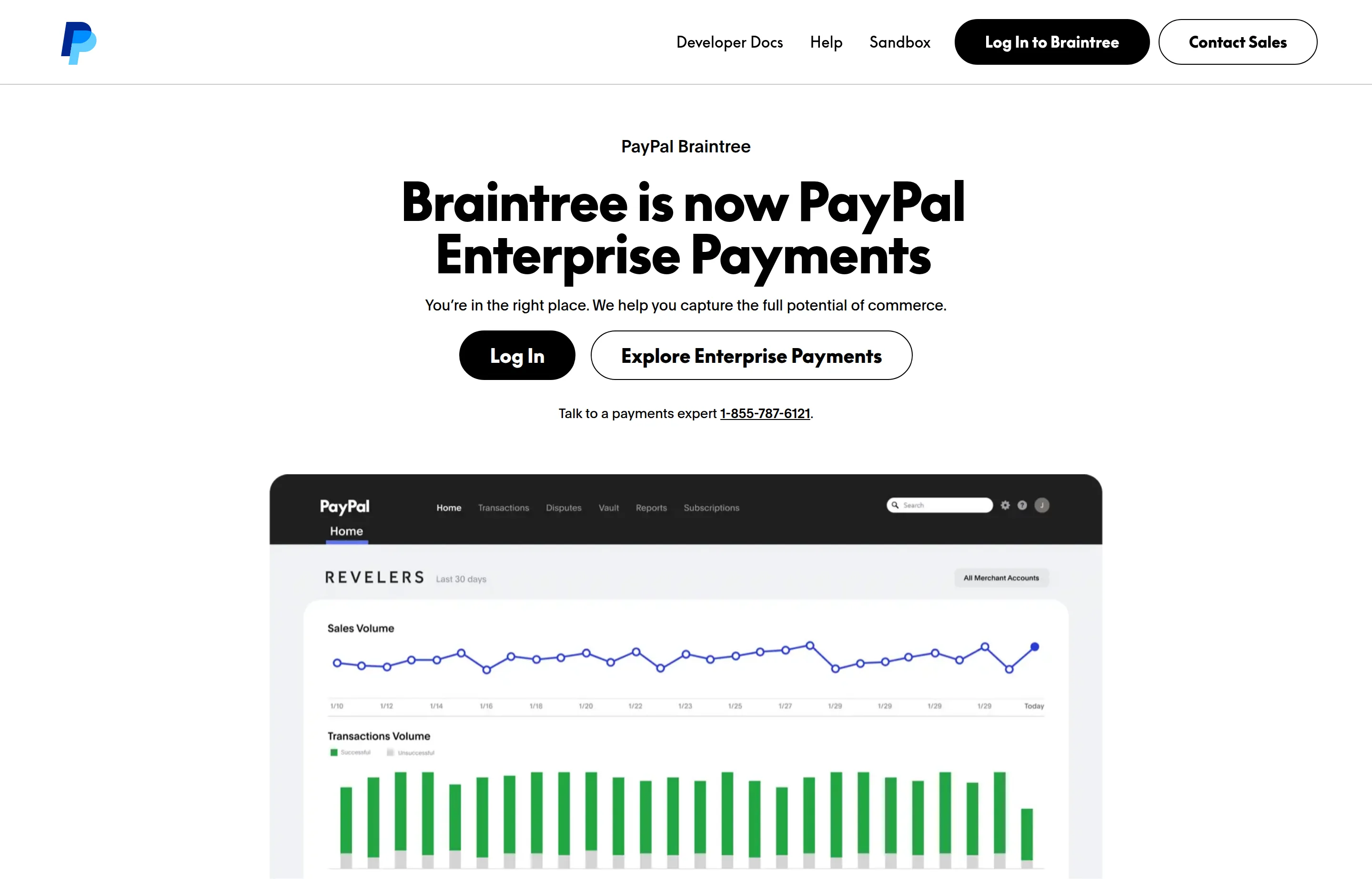
- Key features: cards, wallets, Venmo, and PayPal through one API; recurring billing and card vaulting; marketplace/split-payment support.
- Pricing: cards and digital wallets 2.89% + 29¢; Venmo 3.49% + 49¢; ACH 0.75% capped at $5; chargebacks $15; +1% on non-USD or foreign-issued cards; no monthly fee listed — read from PayPal's Braintree fees page. Interchange-plus available for established businesses on request.
- The catch: the standard rate rose from 2.59% + 29¢ to 2.89% + 29¢ in January 2025, and the "Enterprise" rebrand says where PayPal is steering it — small merchants without developers should look elsewhere.
- Pros: the clean way to get Venmo at checkout; real gateway flexibility; no monthly fee.
- Cons: developer-oriented onboarding; now pricier than Stripe's headline rate; support tuned for bigger accounts.
- Reviews: 4.2/5 on Capterra (~99 reviews) — as of July 2026.
11. Adyen — best at scale, not at the start
Adyen is what large omnichannel brands run on — a single global platform with interchange++ transparency. It's on this list as the "know it exists" option: the pricing model is excellent, but the commercial model isn't built for very small merchants.
- Key features: unified online + in-person + platform payments globally, direct US acquiring, transaction-level interchange++ reporting.
- Pricing: $0.13 per transaction + interchange++ + 0.60% as published for US Visa/Mastercard; Amex 3.95% + 13¢; no monthly, setup, or closure fees — but a minimum monthly invoice applies whose amount Adyen doesn't publish ("depending on industry," contact sales) — read from Adyen's pricing page.
- The catch: that undisclosed invoice minimum. If your volume is small, you'll pay the minimum, not the rate card.
- Pros: true cost-plus pricing at scale; one platform for every channel and country; enterprise-grade risk tooling.
- Cons: sales-led onboarding; not economical below serious volume; sparse small-business support resources.
- Reviews: 3.8/5 on G2 (~36 reviews — small base; Capterra shows ~4.6/5 on a similarly small ~30) — as of July 2026.
The paperwork around getting paid: free Small Business Tools
A processor moves the money; you still have to ask for it correctly. These free tools handle the before-and-after of every payment, in your browser, with no signup:
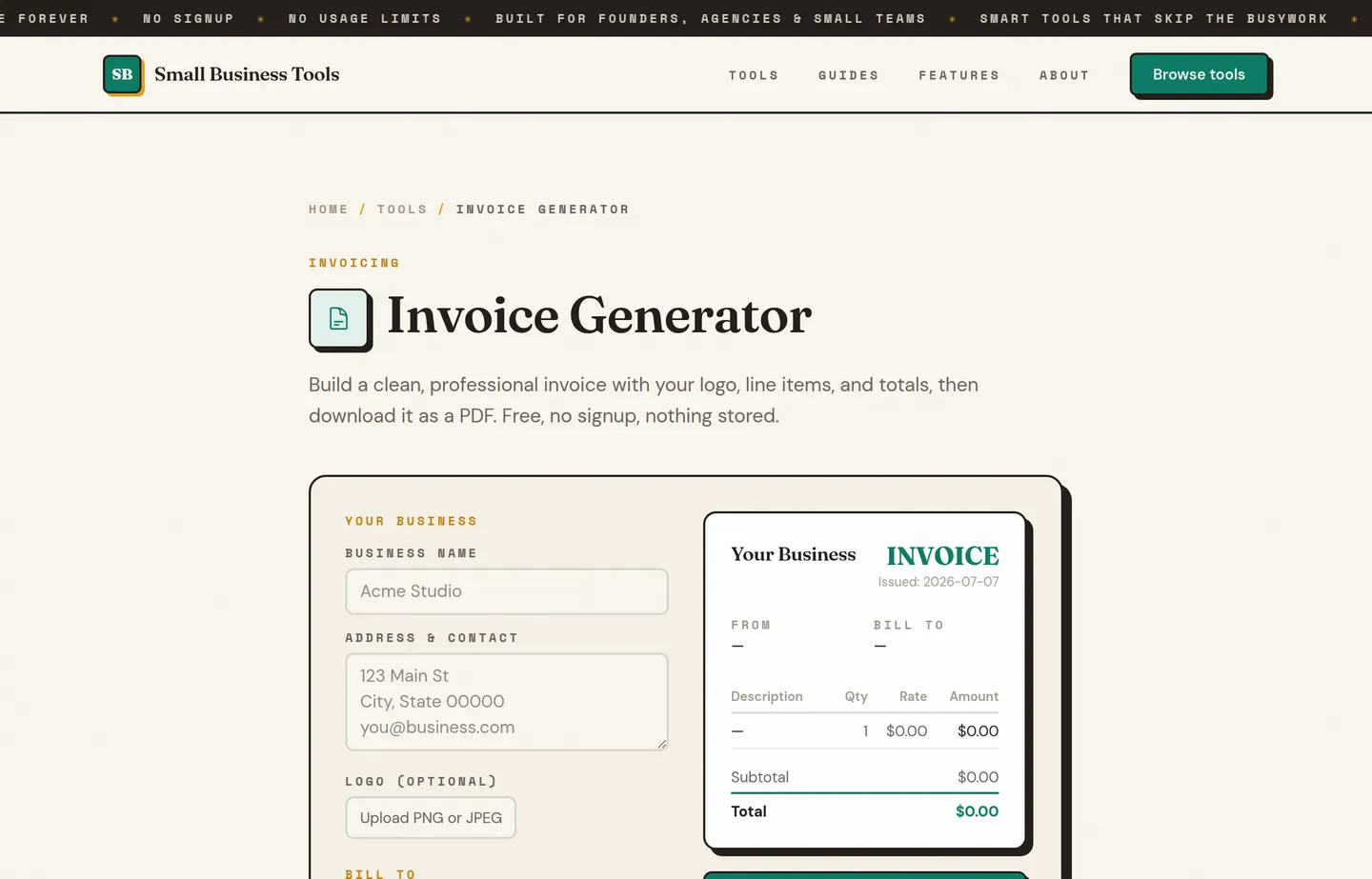
- Invoice Generator — build the professional PDF you'll attach before the payment link, with logo, line items, and tax. Nothing is stored on a server.
- Estimate Generator — quote the job first; convert the same line items into an invoice when it's approved.
- Sales Tax Calculator — get the tax line right before it hits the card, whether you're adding tax on top or backing it out of a total.
- Percentage Calculator — the fastest way to compute your *effective rate*: divide a month's total card fees by that month's card volume. That one number tells you whether it's time to switch processors.
These don't process payments — they make sure the numbers around the payment are right. The free small business tools hub lists the rest by job.
The processor is only half of how fast you get paid; your terms are the other half. Payment terms for small business covers Net 15 versus Net 30, deposits and milestone billing, what an early-payment discount really costs annualized, and how to set a late fee that holds up — and how to write an invoice covers the document itself.
Which should you choose?
- You run a storefront and want everything in one box: Square — accept the convenience pricing until your volume argues otherwise.
- You sell online, maybe with subscriptions: Stripe.
- Your card volume passed ~$8–10k/month and fees are a real line item: Helcim (no subscription) or Stax ($99/month, interchange at 0% markup) — this is the switch that pays for itself.
- You'd rather negotiate a wholesale-style rate: Payment Depot — get the quote in writing.
- Your customers live in PayPal and Venmo: add PayPal buttons to whatever else you use, or Braintree if you have a developer.
- You bank with Chase and care about same-day cash flow: Chase Payment Solutions.
- You're outfitting a restaurant or multi-register shop: Clover — read the 36-month contract twice.
- Your store is on Shopify: Shopify Payments, full stop.
- You're doing serious multi-country volume: talk to Adyen.
- You just need to bill someone today: send a clean PDF from the free Invoice Generator with a payment link from any processor above.
A worked example of why the fixed fee matters: a seller doing $2,000/month online at Square's 3.3% + 30¢ with a $50 average order (40 orders) pays $66 + $12 = $78 ≈ 3.9% effective. The same volume at Stripe's 2.9% + 30¢ is $58 + $12 = $70 ≈ 3.5%. Small tickets push the effective rate far above the headline rate — always do this math on your own average ticket.
FAQs
What is the best payment processor for a small business?+
For most in-person small businesses, Square is the best starting point — free plan, cheap hardware, and no monthly commitment. For online-first businesses it's Stripe. Once you process more than roughly $8–10k/month in cards, an interchange-plus processor like Helcim (no monthly fee) or a subscription model like Stax ($99/month, 0% markup) usually becomes meaningfully cheaper than either.
What's the difference between flat-rate and interchange-plus pricing?+
Flat-rate (Square, Stripe, PayPal) charges the same percentage on every card, no matter what the card actually costs the processor — simple, but you overpay on cheap debit cards to subsidize premium rewards cards. Interchange-plus (Helcim, Payment Depot, Stax) passes through the real card-network cost ("interchange") and adds a stated markup, so your statement is messier but your average cost is usually lower. Flat-rate buys simplicity; interchange-plus buys a lower bill at volume.
How much are credit card processing fees in 2026?+
Published flat rates in this guide run from about 2.3% + 10¢ (Clover in-person) to 3.5% + 15¢ (keyed-in cards) per transaction, with online rates clustering around 2.9–3.3% + 30¢. Your *effective* rate — total monthly fees divided by card volume — is usually higher than the headline rate because of fixed per-transaction fees, especially on small tickets. Two processors on this list raised US rates within the last 18 months, so check current pricing pages before deciding.
How do I calculate my effective processing rate?+
Take one month's statement, add every processing fee (percentage fees, fixed fees, monthly fees, PCI fees), and divide by that month's card sales. Our free [Percentage Calculator](/tools/percentage-calculator) does the division instantly. If the result is much higher than your processor's advertised rate, small tickets or keyed transactions are usually why — and if it's above ~3% at steady volume, it's worth quoting interchange-plus alternatives.
Can I pass card fees on to customers?+
Surcharging credit cards is legal in most US states but regulated: card networks require disclosure, cap the surcharge, and generally prohibit surcharging debit cards. Some processors (Stax, for example, and Helcim in supported regions) have built-in compliant surcharging programs. Check your state's current rules and your processor's program terms before adding a fee at checkout — getting it wrong risks fines and chargebacks.
Do I need a merchant account, or can I just use Square or Stripe?+
Square, Stripe, and PayPal are payment aggregators — you share a big merchant account with millions of others, which is why signup takes minutes but sudden holds and account reviews happen. Traditional merchant accounts (Payment Depot, Chase, Clover through a bank) take longer to set up but are more stable at higher volume and for higher-risk categories. Most small businesses rightly start with an aggregator and graduate later.
Final take
Start where friction is lowest: Square for a counter, Stripe for a website, PayPal buttons for wallet shoppers — their flat rates are the price of not thinking about processing while you build the business. The mistake is never revisiting it. Once cards are a steady five figures a month, pull a statement, compute your effective rate with the Percentage Calculator, and get real quotes from Helcim, Stax, or Payment Depot — that hour of paperwork is often worth a four-figure sum every year.
And whatever moves the money, keep the paperwork around it clean: quote with the free Estimate Generator, bill with the Invoice Generator, and get the tax line right with the Sales Tax Calculator — free, no signup, nothing stored.
Free tools to try
Invoice Generator
Create a professional invoice and download it as a PDF in 30 seconds.
Estimate & Quote Generator
Create a professional estimate or quote and download it as a PDF in seconds.
Sales Tax Calculator
Add or remove sales tax at any rate — get the net, tax, and gross totals.
Percentage Calculator
What is X% of Y, X is what % of Y, and percent change — answered in plain words.
Keep reading
Guide
Payment Terms for Small Business (Net 15, Net 30, Late Fees)
What Net 30 really means, how to choose payment terms, what early-payment discounts actually cost you, and how to set a late fee that holds up.
Guide
Best POS Systems for Small Business (2026)
10 POS systems compared for small businesses — real 2026 pricing for Square, Toast, Clover, Lightspeed and more, plus the rates that actually matter.
Guide
Best Free Invoice Generators for Small Businesses (2026)
12 invoice generators ranked for small businesses — pricing, pros, cons, and key features for Wave, Zoho, PayPal, Square, Stripe and more, plus a no-signup option.
Guide
Best Free Accounting Software for Small Business (2026)
12 accounting tools ranked for small businesses — real free-tier caps, current pricing, pros and cons for Wave, Zoho Books, GnuCash, QuickBooks, Xero and more.
Guide
Best Business Bank Accounts for Small Business (2026)
12 business bank accounts compared — real 2026 fees for Bluevine, Novo, Relay, Chase and more, plus the fintech-vs-bank FDIC decoder.
Guide
How to Calculate ROAS (Return on Ad Spend)
How to calculate ROAS: the formula, break-even ROAS by margin, platform vs blended numbers, and the attribution traps that inflate reported results.