Guide
Best Free Accounting Software for Small Business (2026)
Small businesses rarely fail because the product was bad — they fail because they lost track of the money. Among firms reporting financial trouble, the Federal Reserve's 2025 Small Business Credit Survey found 51% pointed to *uneven cash flow*: exactly the problem clean books catch early and a shoebox of receipts hides. The good news is you almost certainly don't need to pay to fix it yet.
This guide ranks twelve accounting tools — the genuinely free ones first, then the paid leaders worth graduating into when you outgrow them. We're upfront about where each free plan actually stops (Wave, for instance, moved automatic bank imports behind its paid tier in 2026) and what the upgrade costs. Our own free tools get an honest mention too — they're not accounting software, and we'll show you exactly where they fit.
Quick comparison
| Tool | Best for | Free plan | Paid from | Type |
|---|---|---|---|---|
| Wave | Free books + invoicing | Yes (Starter) | Pro $19/mo | Cloud |
| Zoho Books | Growing service businesses | Under $50k revenue | $20/mo | Cloud |
| GnuCash | Own-your-data desktop | Yes, fully | Free | Desktop |
| Manager | Unlimited free desktop | Yes, desktop | Cloud ~$59/mo | Desktop/Cloud |
| Akaunting | Self-hosting + data control | Self-hosted | Cloud $12/mo | Self-host/Cloud |
| Odoo | You'll add more apps | 1 app free | $24.90/user/mo | Cloud/Self-host |
| NCH Express Accounts | Micro-teams, no subscription | Under 5 employees | ~$139 one-time | Desktop |
| QuickBooks Online | The accountant standard | Trial only | $38/mo | Cloud |
| Xero | Unlimited users as you grow | Trial only | $25/mo | Cloud |
| FreshBooks | Freelancers & invoicing | Trial only | $23/mo | Cloud |
| Patriot | Cheapest paid + payroll | Trial only | $20/mo | Cloud |
| Sage | Established brand at scale | Trial only | ~$20/mo | Cloud |
How we ranked these
A tool topping a "best free accounting software" list should earn it on what matters to an owner-operator, not on feature count or an affiliate payout. We weighed six things:
- What's genuinely free — what you can do without ever entering a card, and exactly where the paywall sits.
- The real caps — the revenue ceiling, user limit, or feature gate that eventually forces an upgrade (stated in plain numbers, not "great free plan!").
- Room to grow — whether the paid tier you'd graduate into is fair, and how much it costs.
- Data ownership and privacy — who can read your financials, whether you can export everything, and what happens if a free plan gets sunset.
- Small-business fit — no enterprise bloat; sensible for a one-person or small team; usable without an accounting degree.
- Track record — vendors that have kept their free tier stable, versus ones steadily migrating features behind a paywall.
Star ratings and review counts below are real, sourced from G2 and Capterra (linked and dated), and shown only where a reliable figure exists — free and newer tools that lack a trustworthy third-party rating are left unrated rather than given an invented one. Where a price couldn't be read from the vendor's own page, we say so and tell you to verify.
The best free accounting software
1. Wave — best free accounting for most small businesses
If you want one tool that keeps real double-entry books *and* sends unlimited invoices for $0, Wave is still the honest top pick for most small businesses. The free Starter plan covers income and expense tracking, unlimited invoicing and estimates, and a clean dashboard — enough for a freelancer or micro-business to run its whole bookkeeping.
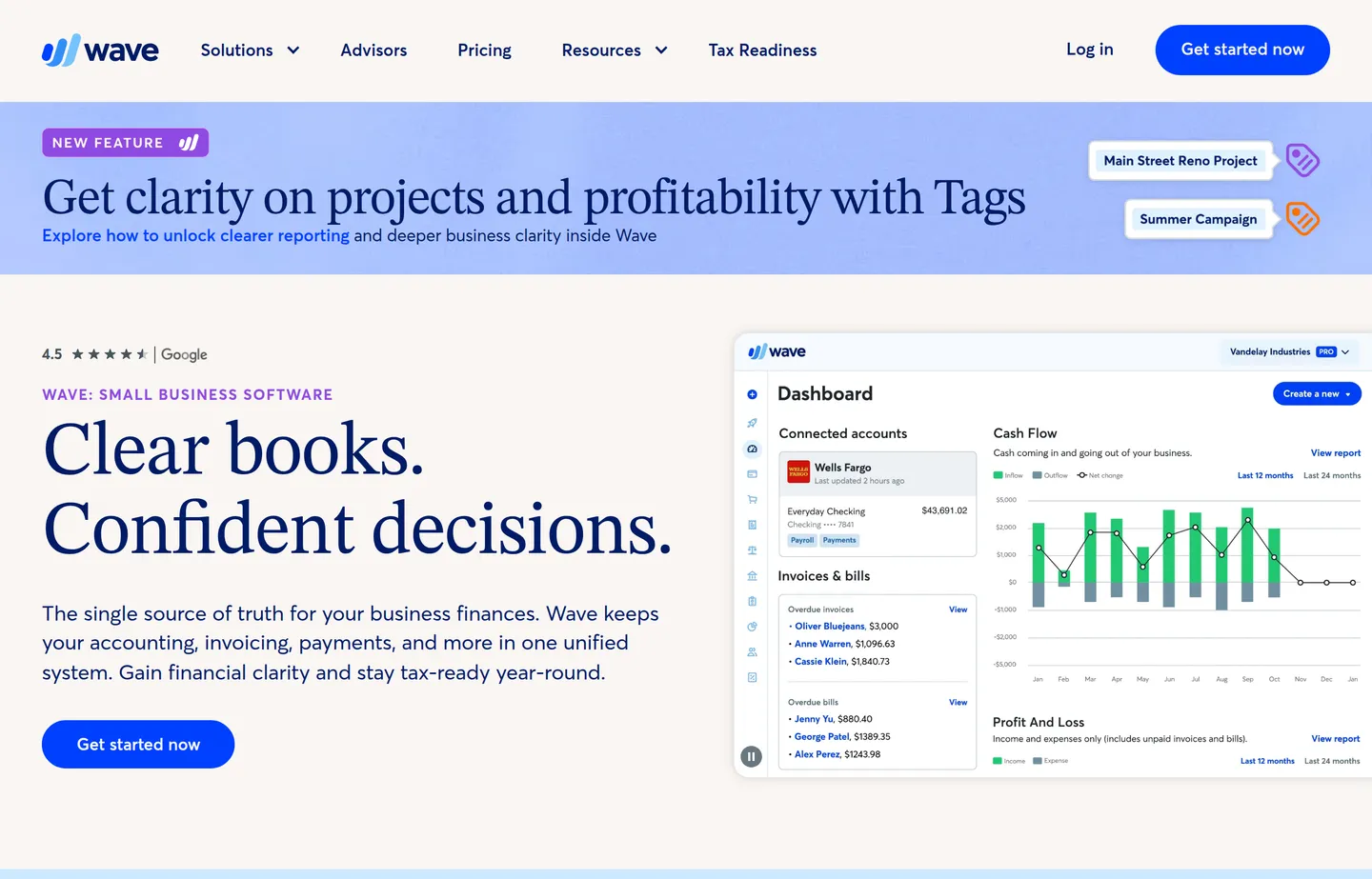
- Key features: double-entry accounting, unlimited invoicing and estimates, receipt/expense tracking, dashboards, optional payments and payroll add-ons.
- Pricing: Starter free; Pro $19/month (or $190/year; often ~$9.50/month for the first three months). Card payments cost 2.9% + 60¢. Managed bookkeeping (Wave Advisors) starts at $149/month.
- The free cap: the Starter plan no longer auto-imports bank transactions or captures receipts automatically — both moved to Pro in 2026. You can still enter transactions manually for free.
- Pros: genuinely free core accounting *and* invoicing; easy for non-accountants; unlimited invoices even on the free tier.
- Cons: bank auto-import is now paywalled; support is thin on the free plan; features have drifted from free to paid over time.
- Graduate to: Wave Pro ($19/mo) when manually importing bank transactions starts eating your evenings.
- Reviews: 4.4/5 on G2 (~310) · 4.4/5 on Capterra (~308) — as of July 2026.
2. Zoho Books — best free tool for growing service businesses
Zoho Books is a full cloud accounting platform with a genuinely free tier — not a stripped demo. It's the strongest free option once you've outgrown bare-bones tracking, especially for service businesses that bill clients.
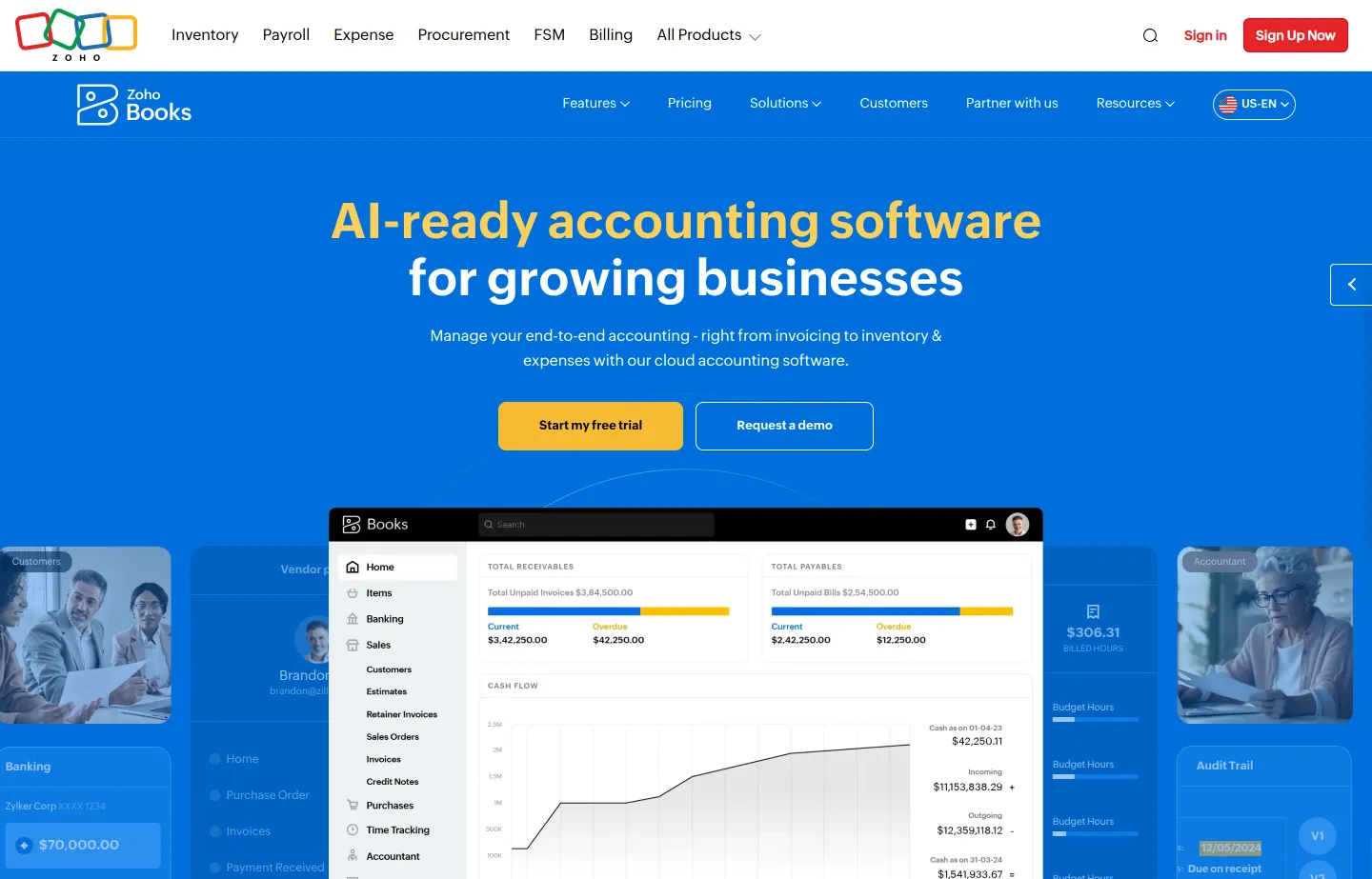
- Key features: bank feeds and reconciliation, invoicing and estimates, a client portal, automated workflows, deep integration with the wider Zoho suite.
- Pricing: Free for businesses under $50,000 annual revenue (1 user + 1 accountant, up to 1,000 invoices/year). Paid: Standard $20/month ($15 billed annually), Professional $50/month, Premium $70/month, up to Ultimate $275/month.
- The free cap: the $50k revenue ceiling and the 1,000-invoice/year limit — cross either and you're upgrading.
- Pros: a real free tier with a stated threshold; strong features for the price; scales cleanly as you grow.
- Cons: the revenue cap forces an eventual upgrade; payroll is limited/regional; best value if you live in the Zoho ecosystem.
- Graduate to: Standard ($20/mo) the year you clear $50k in revenue.
- Reviews: 4.4/5 on Capterra (~670) — as of July 2026.
3. GnuCash — best free open-source desktop option
GnuCash is completely free, open-source, and runs on your own computer (Windows, macOS, Linux). There is no paid tier, no subscription, and no account — your books live in a file on your machine that no one else can read.
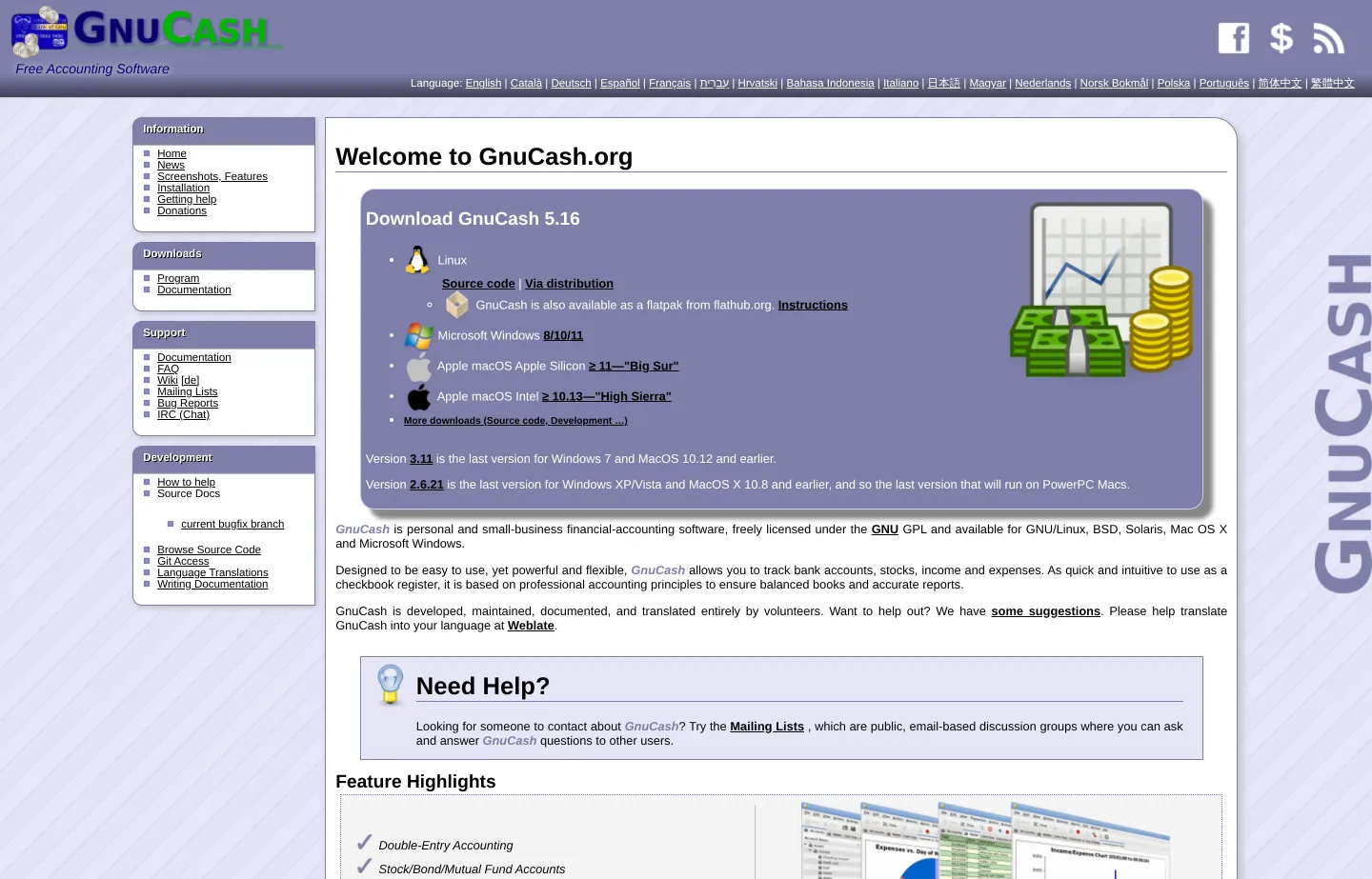
- Key features: rigorous double-entry accounting, investment/stock accounts, QIF/OFX bank-file import with transaction matching, scheduled transactions, reports and graphs.
- Pricing: free, forever — GNU GPL open source, no commercial tier exists.
- The free cap: none on features, but no automatic bank feeds, no invoice-send, and no cloud sync — it's a desktop program you maintain.
- Pros: zero cost with no caps; genuine double-entry rigor; your data stays entirely local; no vendor can sunset it.
- Cons: dated interface and a real learning curve; manual bank imports; support is community forums only.
- Graduate to: a cloud tool like Wave or Zoho Books when you need automatic bank feeds or multi-device access.
- Reviews: 4.5/5 on Capterra (~53) — as of July 2026.
4. Manager — best free desktop with no feature caps
Manager is a free desktop accounting app (Windows, macOS, Linux) that, unlike GnuCash, feels modern and includes invoicing, bills, inventory, and payroll modules out of the box — with no feature paywall on the desktop edition.
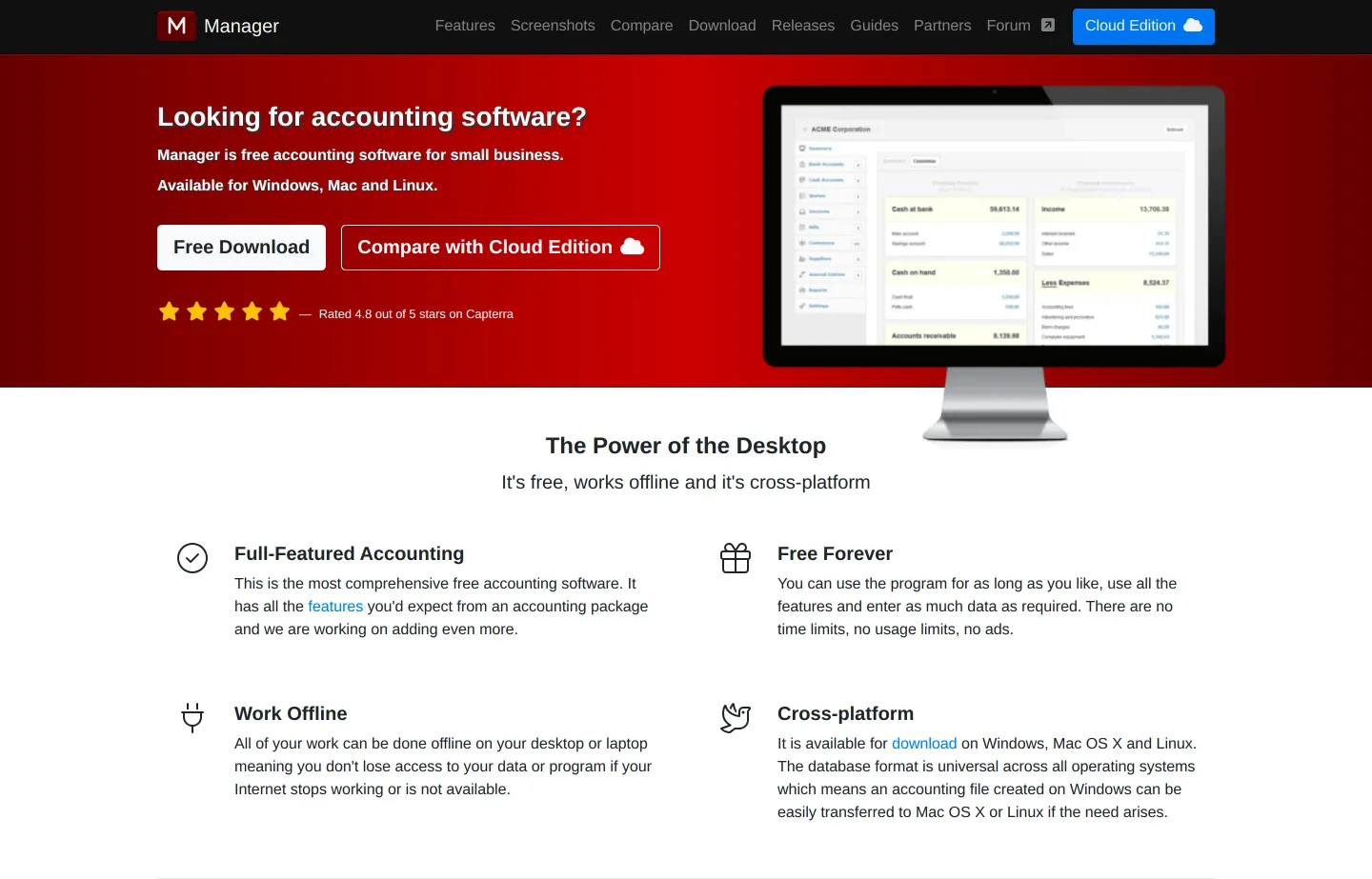
- Key features: double-entry accounting, invoicing and bills, built-in inventory and payroll modules, multi-currency, audit trail.
- Pricing: Desktop edition free. The Cloud edition (for multi-user/remote access) is a flat fee — commonly cited around $59/month, though the vendor page didn't render a clear number for us, so verify it directly. Flat pricing means it isn't charged per user.
- The free cap: the free desktop edition is single-machine — multi-user and remote access require the paid cloud.
- Pros: genuinely full-featured for free; flat cloud pricing (no per-seat fees); you can export and drop back to the free desktop anytime.
- Cons: cloud is the only path to multi-user; smaller integration ecosystem; fewer third-party apps than QuickBooks/Xero.
- Graduate to: Manager Cloud when a second person or a second device needs live access.
- Reviews: no reliable third-party star rating found — left unrated rather than invented.
5. Akaunting — best free option for data ownership
Akaunting is open-source accounting you can self-host for free and control end to end. The interface is closer to QuickBooks than to GnuCash, and its app store lets you bolt on only the modules you need.
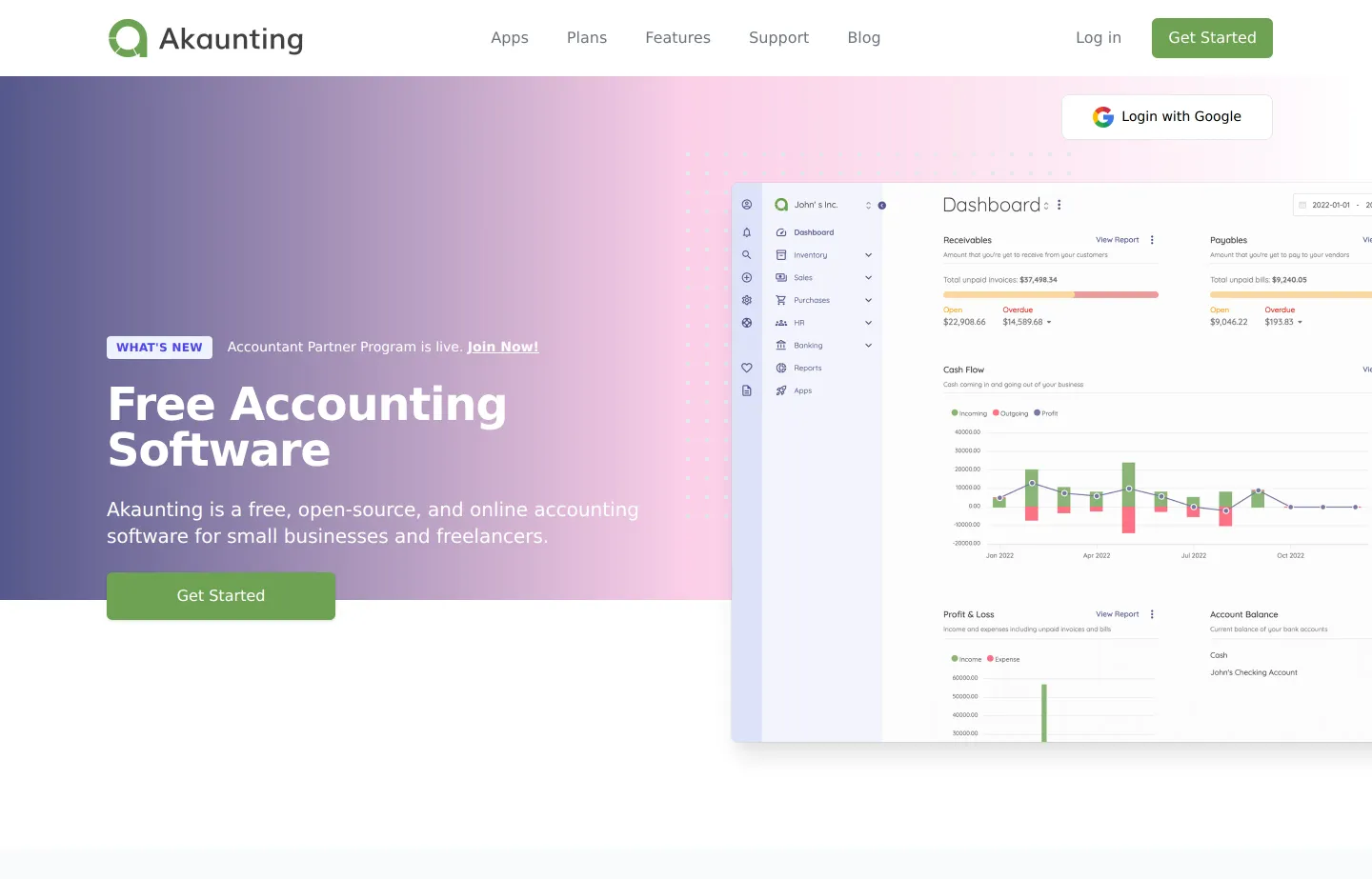
- Key features: double-entry accounting, a modular app store (payroll, inventory, CRM, POS as add-ons), multi-company support, a client portal.
- Pricing: self-hosted open-source version is free. The managed Cloud service is paid-only: Standard $12/month ($8 billed annually), up to Ultimate $218/month. Paid modules are billed separately.
- The free cap: "free" means self-hosting on your own server — realistic only if you're comfortable with a bit of Linux. The hosted cloud has no free tier.
- Pros: full data ownership when self-hosted; pay only for the modules you use; familiar, modern UI.
- Cons: self-hosting takes technical setup (not free in *time*); paid apps and cloud add up; support is community-driven.
- Graduate to: Akaunting Cloud ($12/mo) if you want the same tool without running your own server.
- Reviews: 3.9/5 on Capterra (~27) — as of July 2026.
6. Odoo Accounting — best free if you'll add more apps
Odoo is a modular business suite where accounting is one app among dozens (CRM, inventory, e-commerce, projects). Its free paths suit a business that expects to run more of its operations in one system.
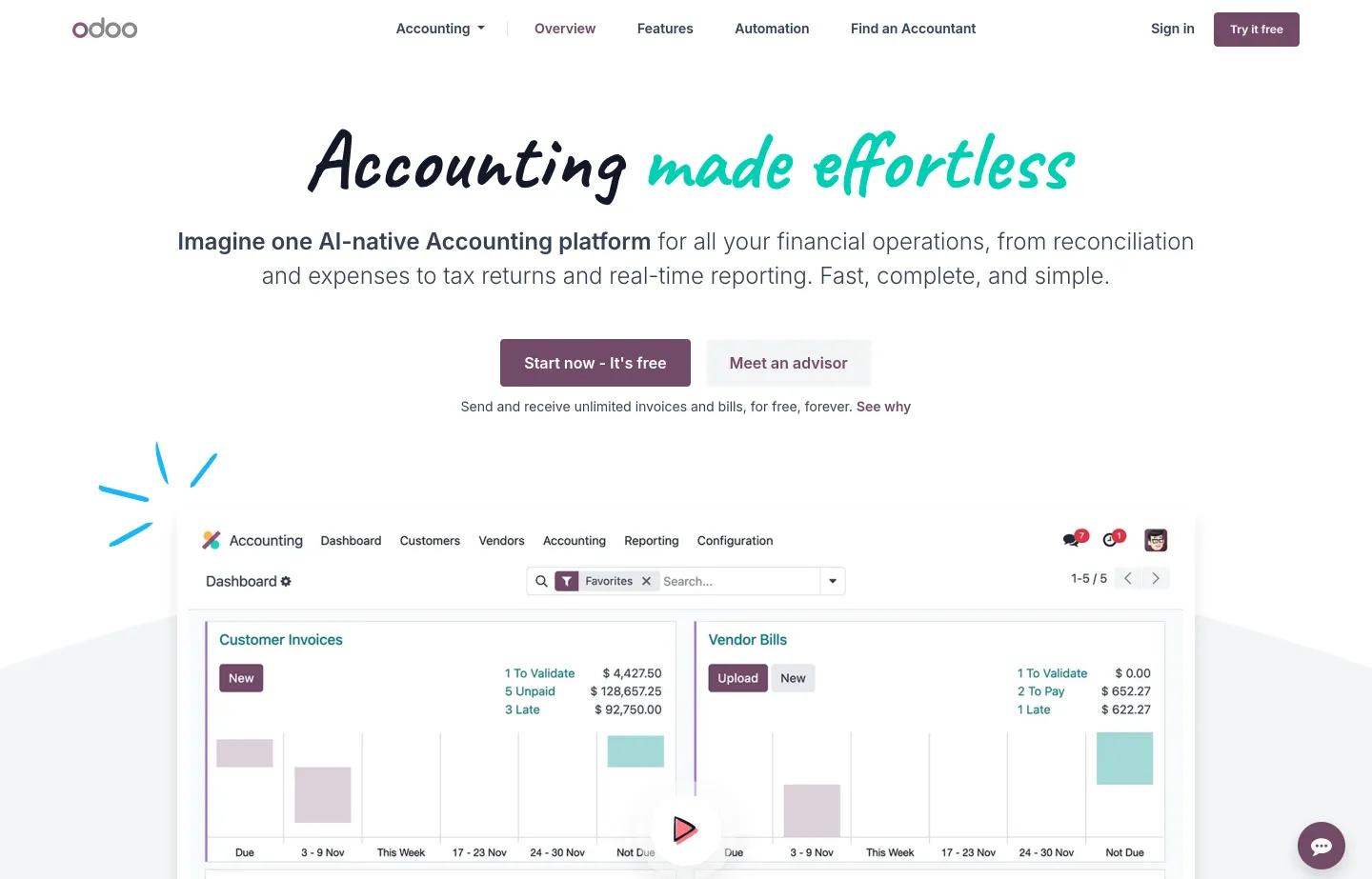
- Key features: full accounting and invoicing, a large modular app ecosystem, modern UI, multi-company support on higher tiers, external API access.
- Pricing: One App Free ($0 — one app, e.g. Accounting, with unlimited users) or the free self-hosted Community edition. Paid Standard is $24.90/user/month (annual), Custom $49.00/user/month.
- The free cap: the free online plan is limited to a *single* app — the moment you add a second (say, inventory), you're on a paid per-user plan.
- Pros: free single-app or free self-hosted community edition; extremely scalable and modular; modern interface.
- Cons: the one-app limit is restrictive; per-user pricing climbs fast; support is criticized once you're paying.
- Graduate to: Standard ($24.90/user/mo) when you need more than one Odoo app.
- Reviews: Odoo overall rates 4.2/5 on G2 (~1,260) — as of July 2026 (rating covers Odoo broadly, not the accounting module alone).
7. NCH Express Accounts — best free desktop for micro-teams
NCH Express Accounts is a lightweight desktop bookkeeping program (Windows/Mac) with a free, non-expiring version aimed squarely at the smallest businesses.
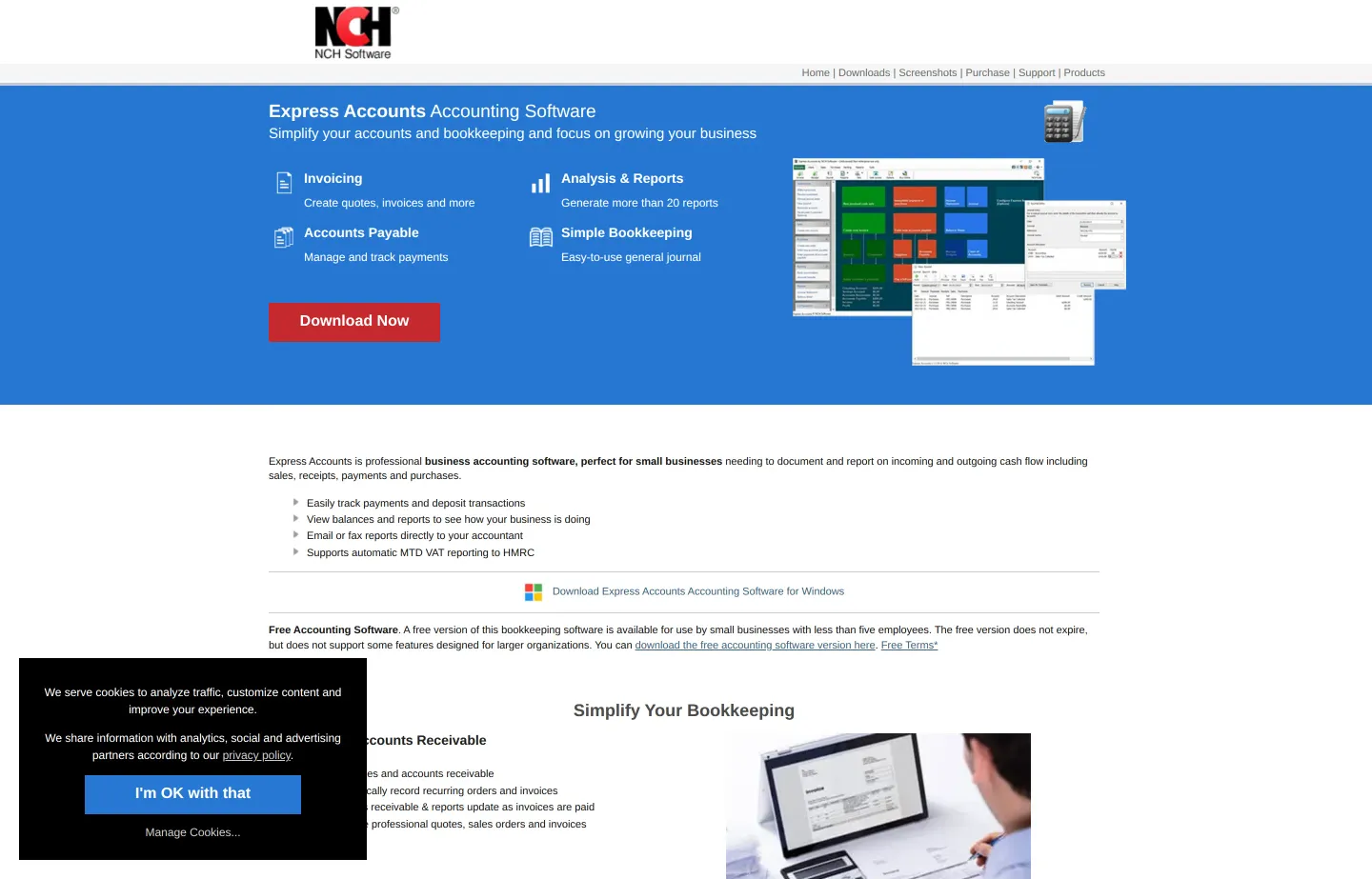
- Key features: invoicing and quotes, accounts payable and receivable, financial reporting, integration with NCH's payroll and POS tools.
- Pricing: free version for businesses with fewer than 5 employees (non-expiring, some features omitted). The paid Plus version is a one-time license — third-party listings cite around $139, but NCH's page shows no price, so confirm it before buying.
- The free cap: eligibility is tied to headcount (under 5 employees), and NCH's exact commercial-use terms are worth reading closely before you rely on it.
- Pros: free and non-expiring for micro-businesses; a one-time purchase (no subscription) for the paid version; light and fast.
- Cons: dated interface; the free version is feature-limited; steady upsell to other NCH products.
- Graduate to: the paid Plus license, or a cloud tool once you pass five employees.
- Reviews: no reliable third-party star rating found — left unrated rather than invented.
8. QuickBooks Online — best paid platform (the accountant standard)
Once your books outgrow free, QuickBooks Online is the default for a reason: nearly every accountant in the US knows it, and its integration ecosystem is the largest. There's no free plan — a 30-day trial only.
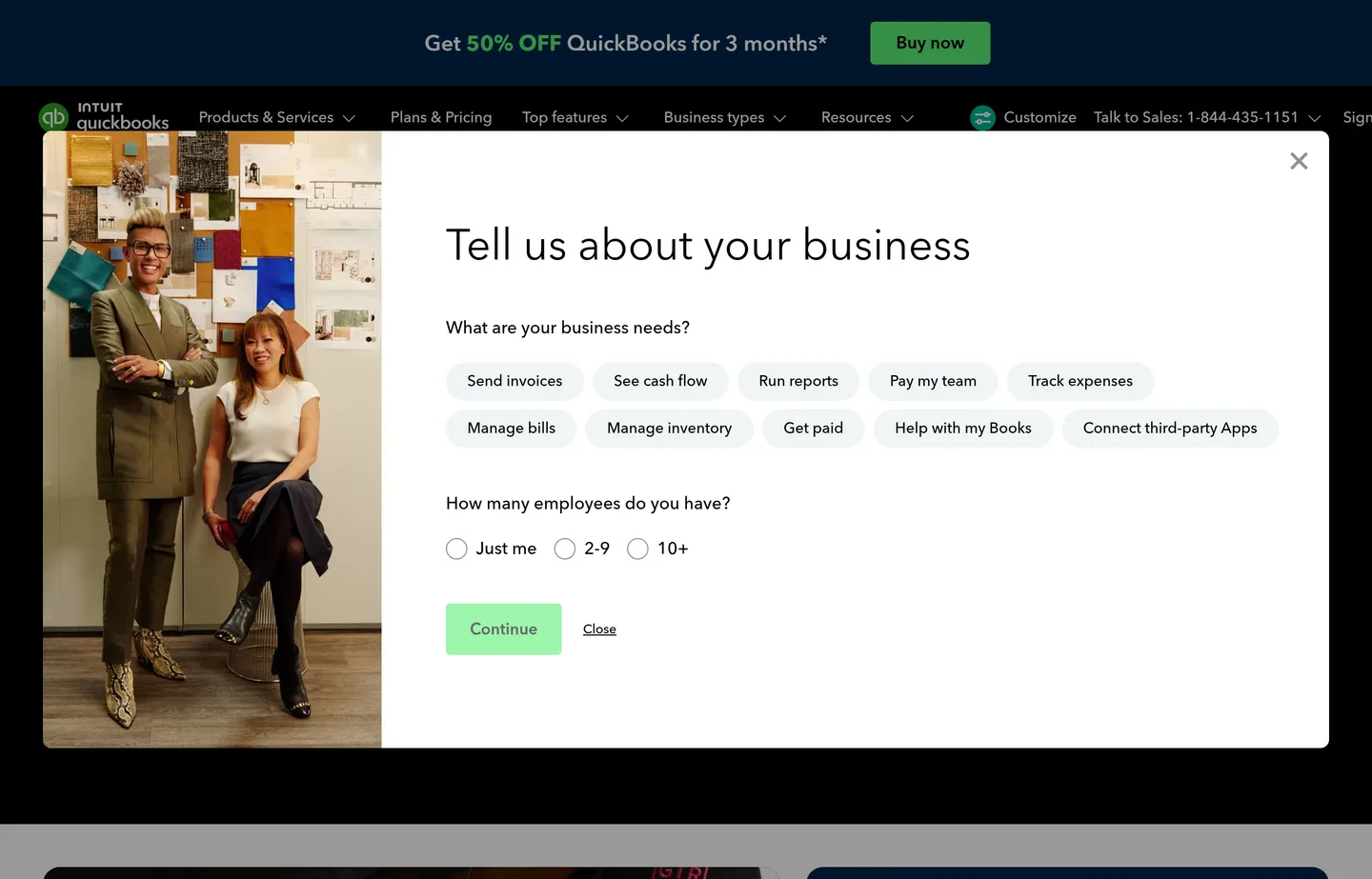
- Key features: automatic bank feeds, deep reporting, the biggest accountant and app ecosystem, payroll add-on, mobile apps.
- Pricing: paid only (30-day trial). Simple Start $38/month, Essentials $75/month, Plus $115/month, Advanced $275/month — frequently 50% off for the first three months.
- Pros: market standard your accountant already uses; deep integrations; strong reporting.
- Cons: no free tier and prices keep rising; payroll and payments are paid add-ons that stack up.
- Reviews: 4.0/5 on G2 (~3,670) — as of July 2026.
9. Xero — best paid platform for unlimited users
Xero is the strongest QuickBooks alternative, and its standout is that *every* plan includes unlimited users — a real saving for a growing team where several people touch the books.
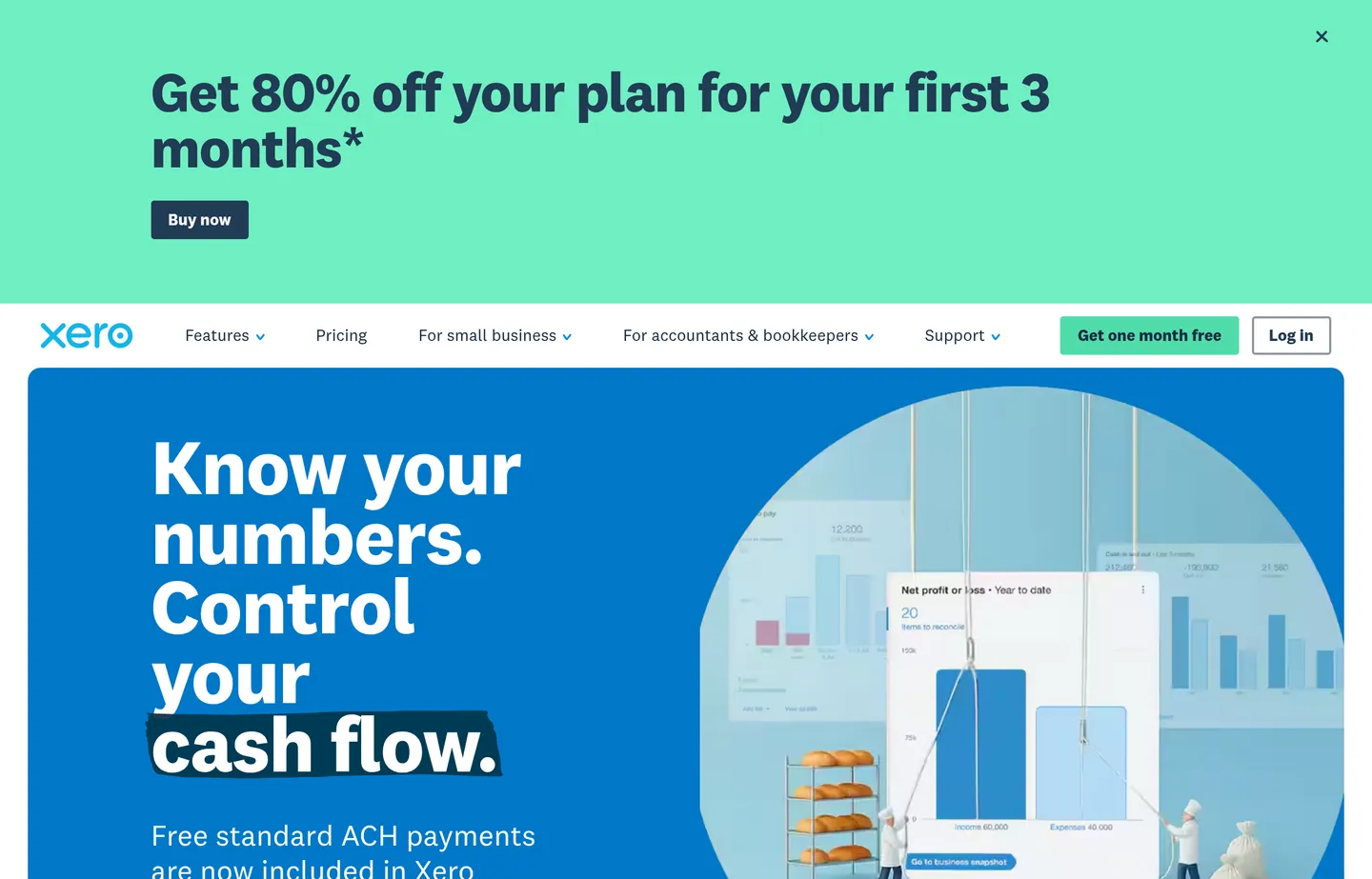
- Key features: unlimited users on all plans, bank reconciliation, a large app marketplace, a well-regarded mobile app.
- Pricing: paid only (~1-month trial). Early $25/month, Growing $55/month, Established $90/month — often 80% off for the first three months.
- Pros: unlimited users at every tier; highly rated for ease of use; strong integrations.
- Cons: no free plan; the Early plan caps the number of invoices and bills; US payroll runs through a third party.
- Reviews: 4.4/5 on G2 (~1,560) — as of July 2026.
10. FreshBooks — best paid tool for freelancers and invoicing
FreshBooks is built around invoicing and time tracking, which makes it the natural paid pick for freelancers and service businesses that bill by the project or the hour.
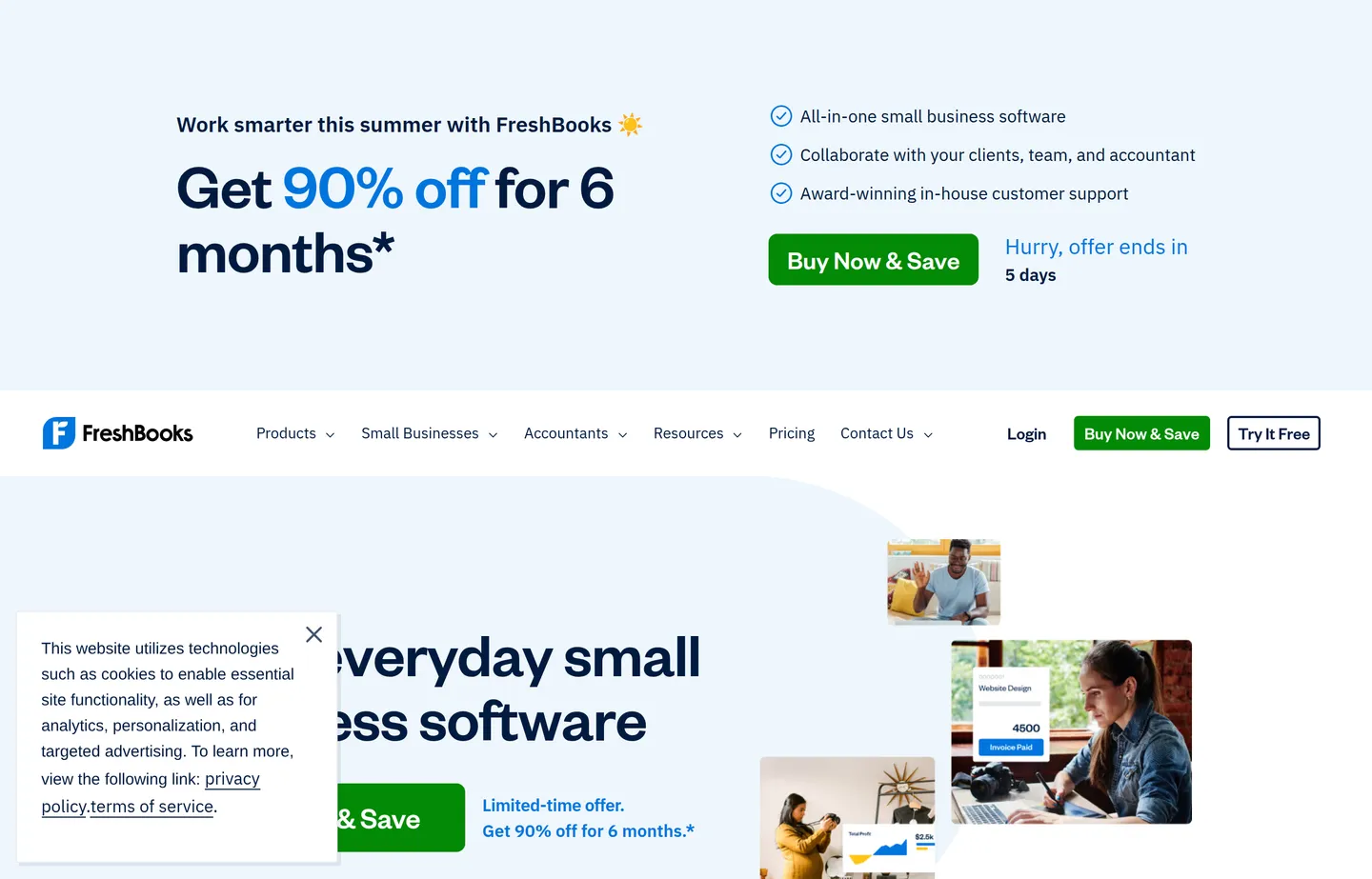
- Key features: best-in-class invoicing, time tracking, projects and proposals, a client portal, double-entry accounting.
- Pricing: paid only (30-day trial). Lite $23/month (5 billable clients), Plus $43/month (50 clients), Premium $70/month (unlimited clients), Select custom. Extra team members cost more per seat.
- Pros: excellent invoicing and time tracking; polished, friendly UX; great for solo service providers.
- Cons: the client-count caps on lower tiers feel tight; per-user fees add up; less deep as pure accounting than QuickBooks or Xero.
- Reviews: 4.5/5 on G2 (~959) · 4.5/5 on Capterra — as of July 2026.
11. Patriot Software — best cheap paid option, especially with payroll
Patriot Software is the budget pick among the paid leaders: simple US-focused accounting with genuinely low pricing, and it pairs tightly with Patriot's affordable payroll.
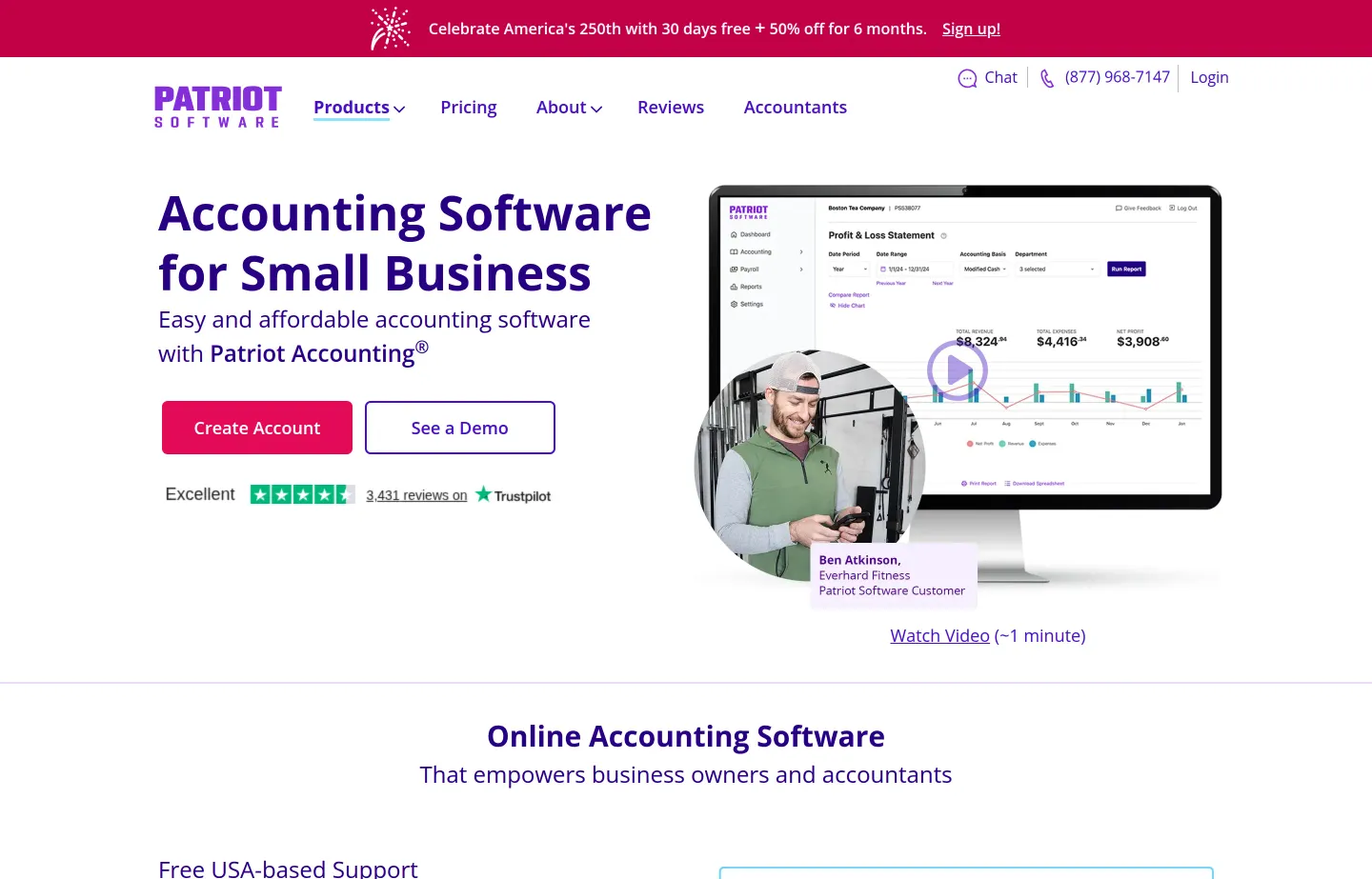
- Key features: straightforward double-entry accounting, invoicing, bank imports, tight integration with Patriot Payroll.
- Pricing: paid only (30-day trial). Accounting Basic $20/month, Accounting Premium $30/month — often 50% off for the first six months.
- Pros: low cost; US-based support; excellent value bundled with payroll.
- Cons: fewer features and integrations than Xero or QuickBooks; US-only focus; no free tier.
- Reviews: no reliable third-party star rating captured — left unrated rather than invented.
12. Sage Business Cloud Accounting — best established brand at scale
Sage is a long-established accounting brand whose cloud product suits businesses that expect to grow into heavier tools (including the separate desktop-oriented Sage 50).
- Key features: double-entry accounting, inventory and multi-currency on higher tiers, cash-flow forecasting, a path up to larger Sage products.
- Pricing: paid only (free trial). Third-party trackers list roughly Accounting Start ~$20/month, Standard ~$40/month, Plus ~$80/month — Sage's US pricing page blocked our read, so confirm current figures on their site. In the US, Sage also markets Sage 50, a separate product with its own pricing.
- Pros: established, trusted brand; scales toward larger Sage products; inventory and multi-currency available.
- Cons: the US lineup (Sage Accounting vs Sage 50) is confusing; no free tier; the interface feels less modern than Xero or QuickBooks.
- Reviews: no reliable current third-party star rating captured — left unrated rather than invented.
Before you need full accounting: free Small Business Tools
Not every money task needs a full accounting platform. If you're a brand-new or very small business, you may just need to send a clean invoice, get the tax line right, or check whether a job is actually profitable — and you can do those for free, in your browser, without an account:
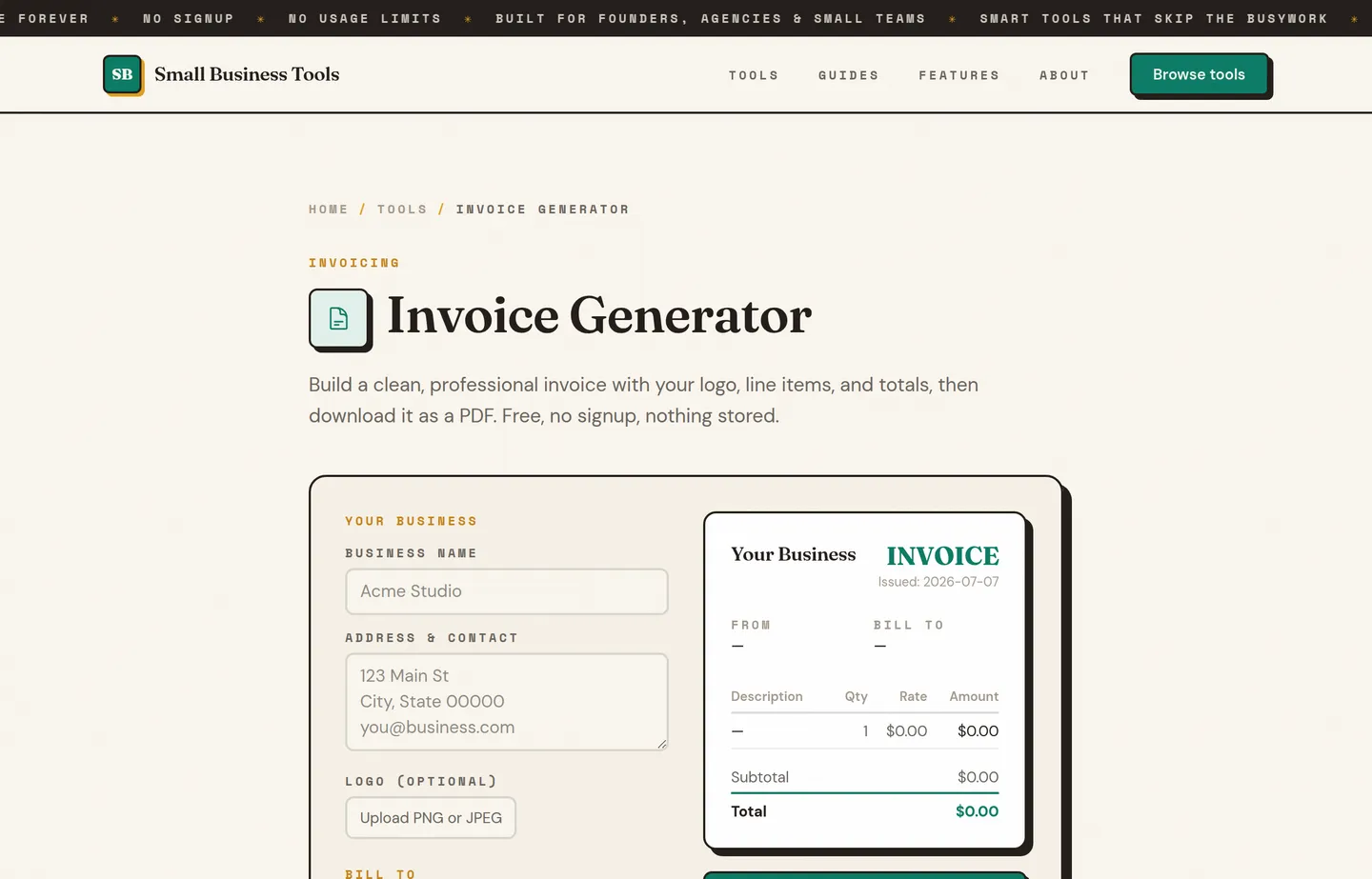
- Invoice Generator — turn line items, your logo, and tax into a professional PDF, with nothing stored on a server. It won't track paid/unpaid status like Wave — it's for the one-off bill you need right now.
- Sales Tax Calculator — add or extract sales tax cleanly before it goes on an invoice, so your books start from the right number.
- Profit Margin Calculator — check that a product or job actually earns what you think. Pair it with the guide to calculating profit margin.
These aren't a substitute for bookkeeping — once you're tracking income and expenses over time, move to Wave or Zoho Books. But for the earliest stage, they cover the money jobs without any signup. Our free small business tools hub lists the rest by job.
Which should you choose?
- You want free books and invoicing in one cloud tool: Wave — the honest default for most small businesses.
- You're a growing service business and want room to scale for free: Zoho Books, until you clear $50k in revenue.
- You want to own your data and never pay a subscription: GnuCash (simple, rigorous) or Manager (more modern) on the desktop.
- You're technical and want full control: Akaunting self-hosted, or Odoo Community.
- You run five employees or fewer and want a free desktop app: NCH Express Accounts.
- You've outgrown free and want the standard your accountant knows: QuickBooks Online.
- You have a growing team touching the books: Xero (unlimited users).
- You're a freelancer who lives in invoices: FreshBooks.
- You want the cheapest paid option, especially with payroll: Patriot Software.
- You just need to send one invoice or get the tax right today: our free Invoice Generator and Sales Tax Calculator.
There's no prize for paying early. Start free, and upgrade only when a free tool genuinely stops keeping up — a forced upgrade at a real revenue milestone is a good problem to have.
FAQs
What is the best free accounting software for small business?+
For most small businesses, Wave is the best genuinely free option — real double-entry bookkeeping plus unlimited invoicing at no cost, with fees only when you collect card payments. If your revenue is under $50,000, Zoho Books' free tier is more capable. If you'd rather own your data outright and skip the cloud, GnuCash and Manager are free desktop programs with no caps.
Is free accounting software actually free, or is it a trial?+
It depends on the tool. Wave, Zoho Books (under $50k revenue), GnuCash, Manager (desktop), and Odoo (one app) have genuinely free plans you can use indefinitely. QuickBooks, Xero, FreshBooks, Patriot, and Sage offer only a 30-day-ish free trial — after that you pay. Always check whether "free" means a free plan or a countdown.
Can free accounting software handle taxes?+
Free tools help you *keep the records* you'll need at tax time — categorized income and expenses, and reports you or your accountant can file from. They don't file taxes for you or know your local rates. The IRS expects businesses to keep supporting records (generally three years), which is exactly what these tools produce. For getting individual tax amounts right on invoices, use a [Sales Tax Calculator](/tools/sales-tax-calculator).
What's the difference between free cloud and free desktop accounting?+
Cloud tools (Wave, Zoho Books) run in your browser, sync across devices, and can auto-import bank transactions — but your data lives on the vendor's servers and free features can change. Desktop tools (GnuCash, Manager, NCH) run on your computer, so you own the data file outright and nothing gets sunset, but you handle backups and there are no automatic bank feeds. Choose cloud for convenience, desktop for control.
Do I even need accounting software, or is a spreadsheet enough?+
If you're a sole proprietor with a handful of transactions a month, a spreadsheet plus a receipts folder can be enough to meet recordkeeping requirements. You'll want real software once you have a business bank account to reconcile, invoices to track as paid or unpaid, or an accountant who wants clean books — which is roughly when a free tool like Wave saves more time than it costs.
Will I have to upgrade to a paid plan eventually?+
Often, yes — and that's usually fine. The common triggers are crossing a revenue cap (Zoho Books at $50k), needing automatic bank imports (Wave Pro), adding team members (Xero, FreshBooks), or wanting multi-device access to a desktop tool (Manager Cloud). Pick a free tool whose paid tier you'd be happy to grow into, so the upgrade is a step up rather than a forced migration.
Final take
The best free accounting software is the one that matches where your business is right now. For nearly everyone starting out, Wave is the honest answer — free books and invoicing in one place, with an upgrade path only when you need automated bank feeds. If you're a growing service business, Zoho Books gives you more headroom for free. And if you'd rather own your data and never see a subscription, GnuCash and Manager prove you can keep proper books on your own machine for nothing at all.
Don't pay for accounting software until a free tool genuinely stops keeping up — and when that day comes, QuickBooks, Xero, and FreshBooks are waiting. In the meantime, if you just need to bill a client or check a margin today, our free Invoice Generator, Sales Tax Calculator, and Profit Margin Calculator will get you there without a signup.
Free tools to try
Keep reading
Guide
How to Write an Invoice (With a Free Template)
How to write an invoice that gets paid: the 10 elements every invoice needs, a copy-paste template, numbering and payment terms, and a worked example.
Guide
Best Free Invoice Generators for Small Businesses (2026)
12 invoice generators ranked for small businesses — pricing, pros, cons, and key features for Wave, Zoho, PayPal, Square, Stripe and more, plus a no-signup option.
Guide
Best Payment Processors for Small Business (2026)
11 payment processors compared for small businesses — real 2026 fees for Square, Stripe, PayPal, Helcim and more, plus when interchange-plus saves money.
Guide
Best Tax Software for Small Business (2026)
12 tax software options compared for small businesses — real 2026 prices for TurboTax, TaxAct, FreeTaxUSA and more, plus who files S corps and C corps.
Guide
Best Payroll Software for Small Business (2026)
12 payroll options compared for small businesses — real 2026 pricing for Gusto, OnPay, QuickBooks, ADP and more, plus the fees that hide at year-end.
Guide
Meta Muse for Small Business: What It Does and Costs
Meta Muse for Small Business is a free AI agent with Shopify, QuickBooks and Stripe connectors. What it does, what it costs, and how to set it up safely.