Content Marketing
CoSchedule
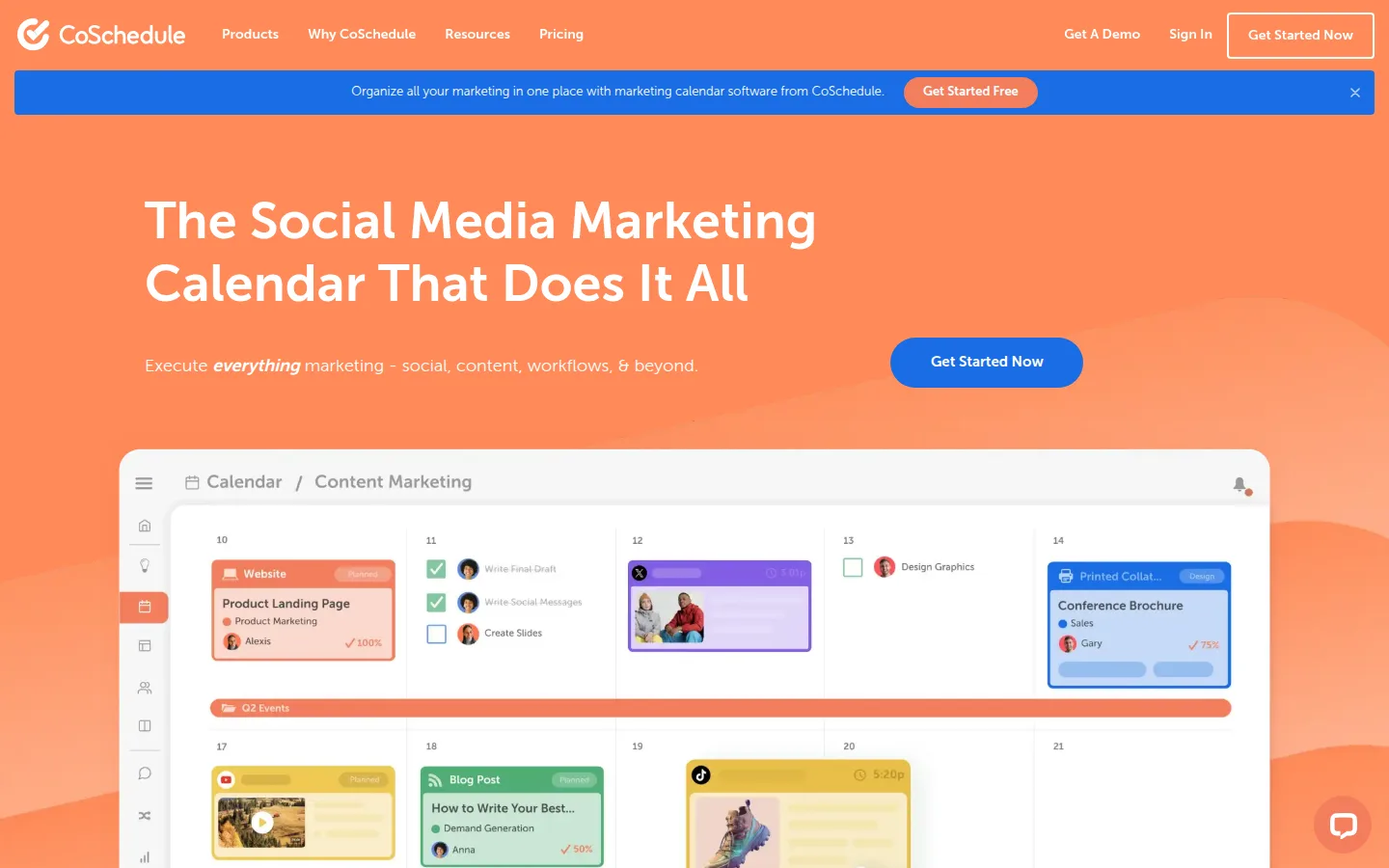
CoSchedule answers a specific pain: your blog plan lives in one tool, your social posts in another, and nobody can see the whole month. Its unified marketing calendar puts content projects and social publishing on a single drag-and-drop timeline, with an AI writing assistant (Hire Mia, launched February 2024) built in.
It sits between a pure scheduler like Buffer and a heavyweight suite — and its pricing has one quirk to know upfront: X (Twitter) profiles cost extra.
- Website
- coschedule.com
- Category
- Content Marketing
- Pricing
- Free plan + paid tiers
- Starts at
- Free calendar; paid from $19/user/month (annual)
- Best for
- Content-led teams that want blog planning and social publishing on one drag-and-drop calendar.
- Profile updated
- July 16, 2026
Independent profile — no affiliate links or sponsored placement.
Key features
- Drag-and-drop marketing calendar unifying blog, content, and social
- Best Time Publishing — algorithmic send-time optimization
- ReQueue: automatic re-sharing of evergreen posts
- Hire Mia AI writing assistant and 1,600+ AI project templates on paid plans
- Social inbox (Facebook/Instagram on Social Calendar; all networks on Agency)
- Agency tier: unlimited client calendars, white-label, approval flows
- Headline Studio, its standalone headline-scoring tool
Pricing
Read from CoSchedule's pricing page in July 2026 (verify current):
- Free Calendar — $0 forever: 1 user, 1 social profile, up to 15 scheduled messages
- Social Calendar — $19/user/month billed annually ($29 monthly), up to 3 users, 3 social profiles included; extra profiles $5/month each — X profiles cost $8/profile/month extra
- Agency Calendar — $59/user/month annually ($69 monthly), 5 profiles included; X profiles $25/profile/month
- Content Calendar / Marketing Suite — custom quote
Pros and cons
Pros
- The calendar view genuinely solves cross-channel planning for content teams
- ReQueue quietly keeps evergreen content circulating
- Real free tier for a solo blogger testing the workflow
Cons
- Per-user pricing plus per-profile add-ons stack up faster than the headline price
- The X surcharge ($8–$25/profile/month) surprises Twitter-heavy teams
- Lighter pure-scheduling value than Buffer at the same spend
Who should use CoSchedule?
CoSchedule fits a business where content is the marketing engine — a blog-driven consultancy, a small agency, a marketing team of two or three coordinating writers and social. If you don't plan content beyond "post when ready," a simple scheduler is cheaper; if you need enterprise workflows and asset management, its Marketing Suite quote-tier competes there.
Rating, for context: 4.4/5 on Capterra (107 reviews) — as of July 2026.
FAQs
Does CoSchedule have a free plan?+
Yes — the Free Calendar: one user, one social profile, 15 scheduled messages at a time. It's a workflow trial more than a working tier, but it's genuinely free.
Why does CoSchedule charge extra for X (Twitter) profiles?+
Since X began charging heavily for API access, several tools pass the cost through. CoSchedule does it explicitly: $8/profile/month on Social Calendar, $25 on Agency — as of July 2026.
Is CoSchedule a Buffer replacement?+
Only if you want the content-calendar layer. For pure social scheduling Buffer is cheaper and simpler; CoSchedule earns its price when blog + social planning live together.
Similar tools in the directory
Content Marketing
BuzzSumo
Content- and PR-led businesses that need engagement data, trending topics, and journalist outreach — not scheduling.
Social Media Management
Buffer
Solopreneurs and small teams that want simple scheduling with pricing that scales per channel, not per seat.
Social Media Management
Hootsuite
Businesses with a real social budget managing many accounts — listening, inbox, and reporting in one dashboard.
Free tools to try
Keep reading
Guide
Best Free AI Writing Tools for Small Businesses
12 AI writing tools ranked for small businesses — pricing, pros, cons, and features. From ChatGPT and Claude to free, no-signup generators for repeat jobs.
Guide
The Small Business AI Stack: Tools for Every Job in 2026
A practical AI stack for small businesses — the tools that actually save time on marketing, content, SEO, and admin, organized by the job they do. Free where it counts.