Guide
Best Appointment Scheduling Software (2026)
Every empty slot in your calendar has a price, and every no-show costs twice — the empty chair and the client you turned away. Research published in BMC Health Services Research measured an 18.8% average no-show rate across the clinics it studied and put the cost of a single missed appointment near $196 (in a healthcare setting, in 2008 dollars — but the shape of the loss applies to any appointment business). That math is why this guide leans paid: a $16–$49/month plan with SMS reminders, card-on-file no-show fees, and deposits pays for itself the first time it saves one appointment. Free booking pages are fine on-ramps — but the reminder and no-show tooling that actually protects revenue almost always lives a tier up.
This guide ranks twelve options for owner-operators — salons, barbers, contractors, consultants, tutors, trainers — leading with the paid tools whose leverage earns their fee, with real prices as of July 2026 and the free tiers covered honestly at the end. There's no Small Business Tools product in this category; our stake is practical: whichever booking tool you choose, our free QR Code Generator puts your booking link on a counter card or shop window, and the Email Signature Generator puts it under every email you send.
Quick comparison
| Tool | Best for | Paid from | Free plan | SMS reminders |
|---|---|---|---|---|
| Acuity | Solo service pros | $16/mo (annual) | No (7-day trial) | Standard $27+ |
| Square Appointments | Payments-native booking | Plus $49/mo | Yes (solo) | Paid plans |
| Calendly | The polished booking link | $10/seat/mo (annual) | Yes, 1 event type | Standard+ |
| Vagaro | Multi-chair salons/fitness | ~$30/mo | No (30-day trial) | Included (marketing extra) |
| Fresha | Salons wanting new clients | $19.95/mo + 20% new-client fee | No (trial) | Included, 100/mo |
| SimplyBook.me | A booking website | $11.90/mo (annual) | Yes, 50 bookings/mo | Credits, $8/100 |
| Zoho Bookings | Zoho-suite teams | $6/staff/mo (annual) | Yes, 1 user | Via SMS gateway, Premium |
| TidyCal | One-time-payment fans | $29 lifetime | Yes | Agency/Pro, US-CA |
| Setmore | Tiny teams on $0 | $5/user/mo (annual) | Yes, 4 users | Pro |
| Cal.com | Consultants, tech-comfortable | Teams $12/user/mo | Yes, unlimited event types | Free plan |
| YouCanBookMe | Google/Microsoft-first simplicity | $9/mo | Yes, 1 page | Professional+ |
| Google Calendar | The stopgap you already own | Workspace Standard $14/user/mo | Yes, 1 booking page | No |
How we ranked these
- Leverage per dollar — SMS reminders, card-on-file no-show fees, deposits, and intake forms are what protect revenue; we rank the tools that deliver them at a fair price first.
- Industry fit — a barber needs no-show protection at the chair; a consultant needs a clean link; a med-spa needs a BAA.
- Total real cost — including the add-ons and repricing traps (there were several this year).
- What the free tier really does — covered honestly, as the on-ramp it is.
Every price was checked against the vendor's page in July 2026, or flagged as third-party where the vendor hides numbers. Ratings are linked and dated; where quotes appear they're sourced from the review platform.
The best appointment scheduling software
1. Acuity Scheduling — the paid all-rounder that earns its fee
Acuity (owned by Squarespace) has no free plan — and for a working service professional it's still the first tool to shortlist, because it sells exactly the leverage the free tiers don't: intake forms, packages, memberships, gift certificates, deposits and card holds, and SMS reminders included without per-message metering. One saved appointment a month covers the plan.
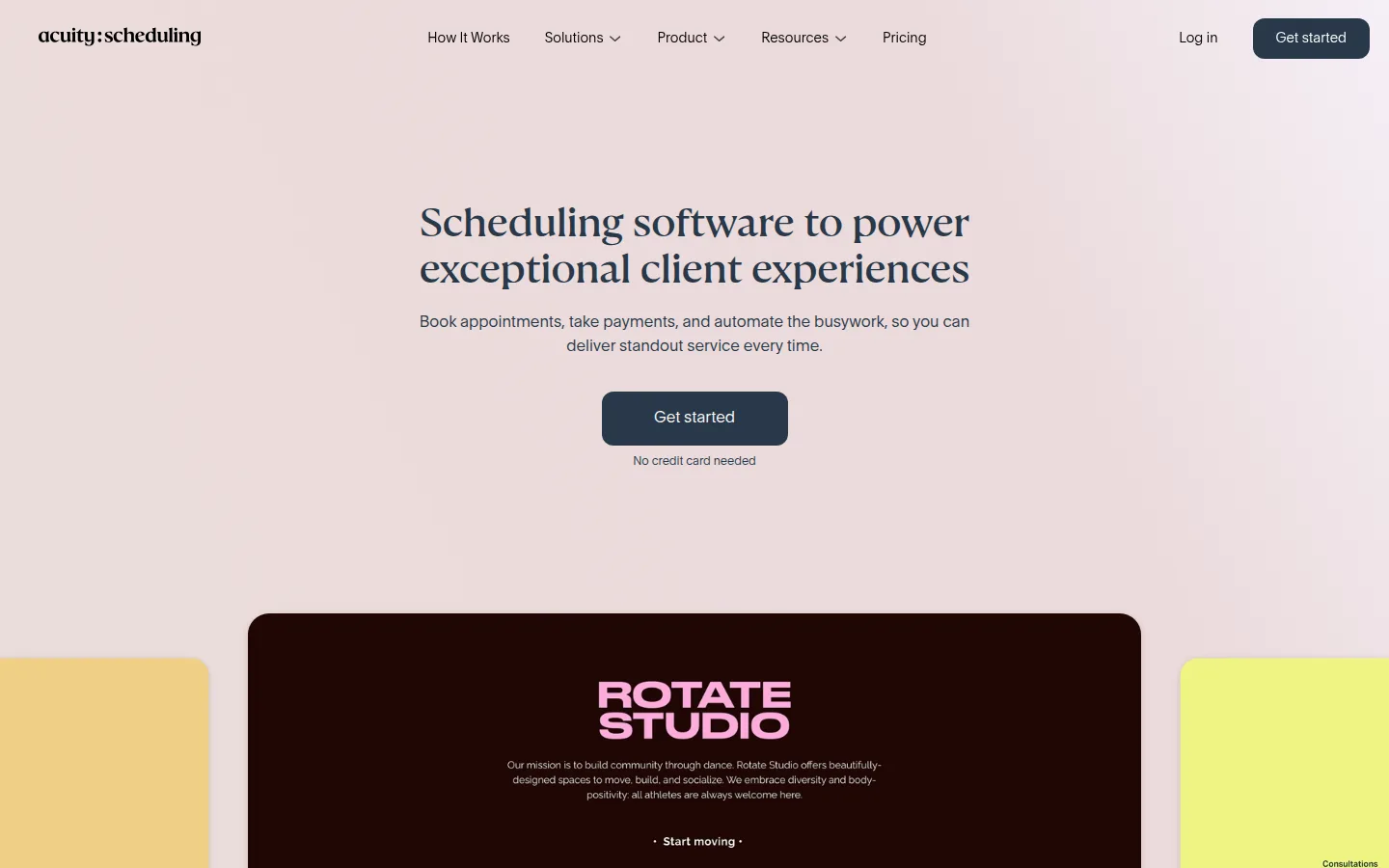
- Key features: client self-scheduling with intake forms, packages/memberships/gift certificates, deposits and card holds, Stripe/Square/PayPal, calendar bundles priced per account rather than per user.
- Pricing: 7-day trial, then Starter $16/month billed annually ($20 monthly, 1 calendar), Standard $27/month ($34 monthly, 6 calendars, SMS reminders start here), Premium $49/month ($61 monthly, 36 calendars, and the only tier with a HIPAA BAA). Note the 2026 plan renames — older articles cite Emerging/Growing/Powerhouse.
- Pros: flat account pricing beats per-seat for small teams; SMS included rather than sold as credits; the strongest forms/packages feature set for trainers, therapists, tutors, consultants.
- Cons: no free tier at all; text reminders locked out of the $16 Starter plan; customization outside the Squarespace ecosystem is limited.
- Reviews: 4.8/5 on Capterra (5,700+ reviews) — the largest review base in this roundup — as of July 2026.
2. Square Appointments — payments-native booking that scales with the shop
Square Appointments is the system pick for anyone who takes payments in person — barbers, lash techs, mobile detailers. Booking, POS, hardware, and card-on-file no-show protection live in one stack, and the paid tiers (Plus $49/month, Premium $149/month per location after Square's October 2025 repricing) buy team calendars, text reminders, and lower processing. A genuinely free solo tier makes it the rare tool you can start free and grow into paying.
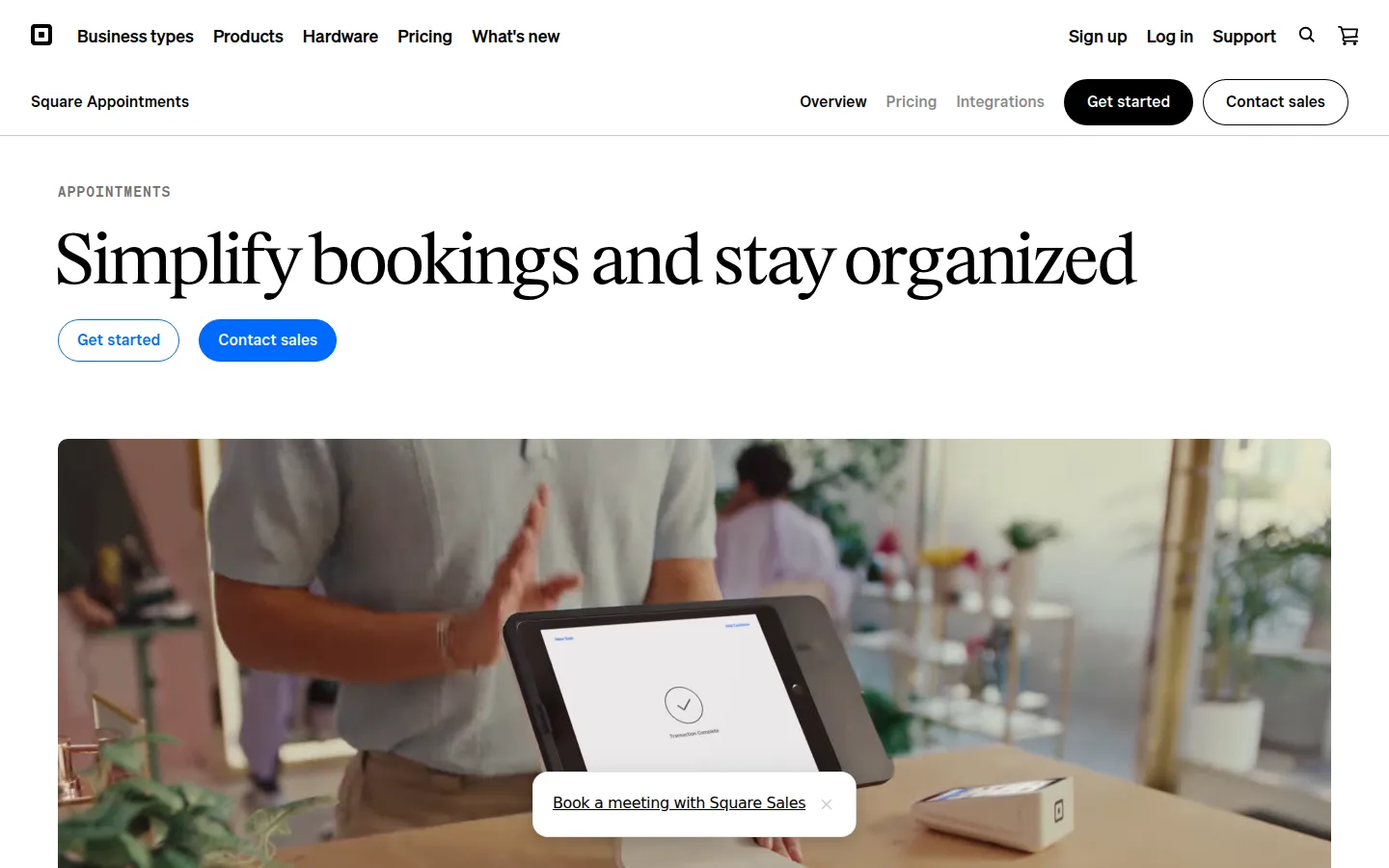
- Key features: customizable booking site, book-from-Google/Instagram, Square POS and hardware integration, cancellation policies with card-on-file no-show protection (paid tiers), waitlists and resources on higher plans.
- Pricing: Free for solo professionals (email reminders only). Plus $49/month and Premium $149/month per location (per current pricing trackers — Square shows exact figures in signup; the old $29 Plus price you'll see in older articles is gone). Processing on the free plan: 2.6% + 15¢ in person, 3.3% + 30¢ online.
- Pros: payments, booking, and no-show fees in one ecosystem; polished client experience; the free solo tier is a real on-ramp to the paid stack.
- Cons: team pricing jumped sharply in the 2025 restructure; the free tier is solo-only with email-only reminders; you're committed to Square as your processor.
- Reviews: 250+ reviews on Capterra — as of July 2026.
3. Calendly — the polished booking link clients already trust
Calendly is what your clients expect a booking link to be: instant, familiar, reliable. The paid plans are where it earns the slot — Standard at $10/seat/month adds unlimited event types, Stripe/PayPal collection, and Workflows with SMS reminders, which is the whole revenue-protection kit for a consultant. The free plan (one event type, one calendar) is deliberately thin.
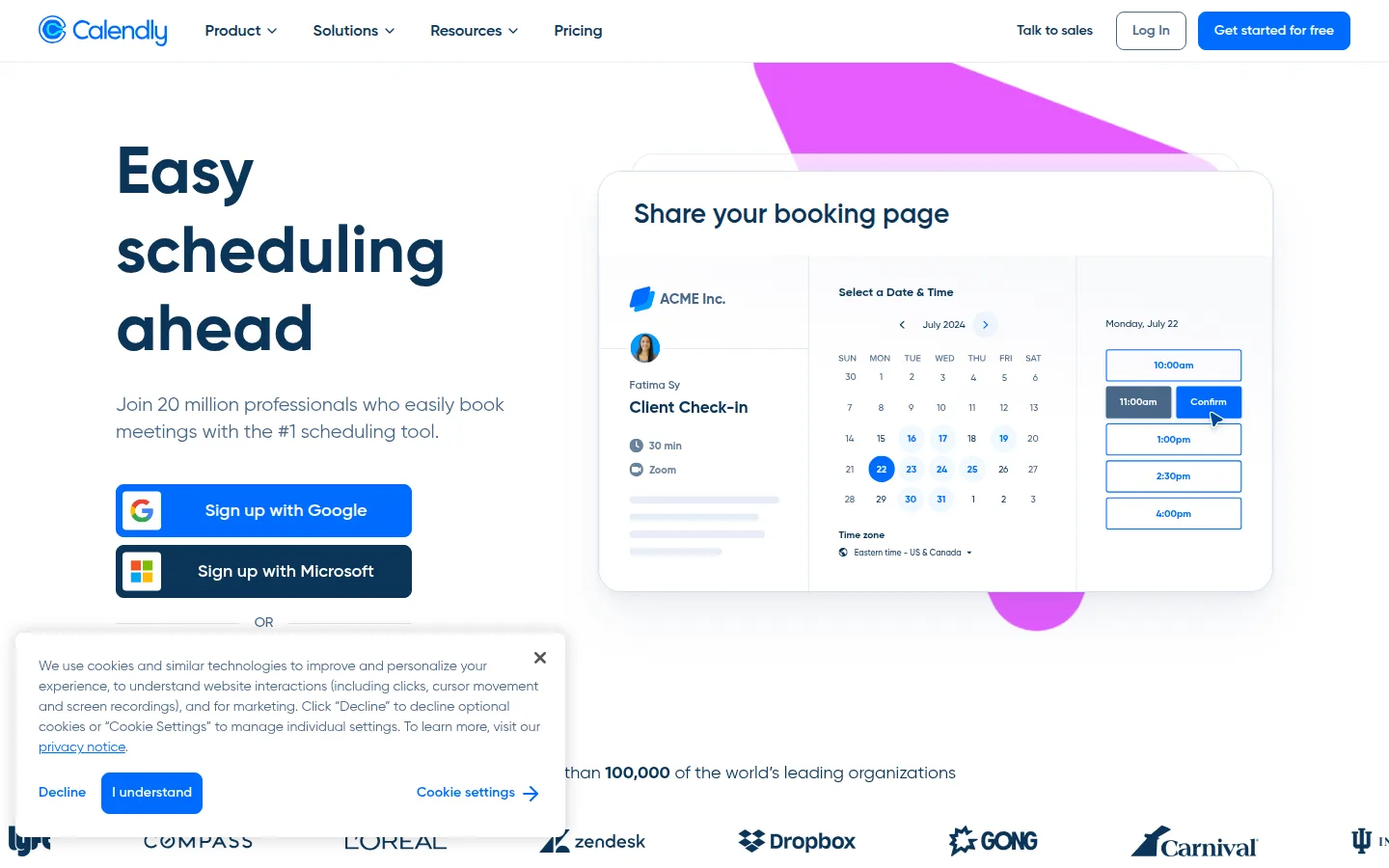
- Key features: booking links and embeds, Workflows for automated email/SMS sequences (paid), Stripe/PayPal collection (Standard+), round-robin and Salesforce routing on Teams, invitees never need an account and can self-reschedule.
- Pricing: Standard $10/seat/month billed annually ($12 monthly); Teams $16/seat annually ($20 monthly); Enterprise starts at $15k/year. SMS reminders come with Standard and up (250 credits/seat/month). Free plan: 1 event type, 1 calendar.
- Pros: clients trust it instantly; the deepest integration ecosystem in scheduling; excellent reliability and deliverability.
- Cons: the free plan is the stingiest of the general-purpose tools here; no built-in POS or card-on-file fees; not HIPAA-appropriate outside Enterprise arrangements (see FAQ).
- Reviews: 4.7/5 on G2 (2,600+ reviews) — as of July 2026.
4. Vagaro — the established salon/fitness all-in-one
Vagaro is the deepest all-in-one for a multi-chair salon, spa, or fitness studio: booking, POS, memberships, payroll, inventory, and its own consumer marketplace. The trade-off is à-la-carte pricing that stacks — but for a shop running staff and inventory, this is the category where paying properly beats patching free tools together.
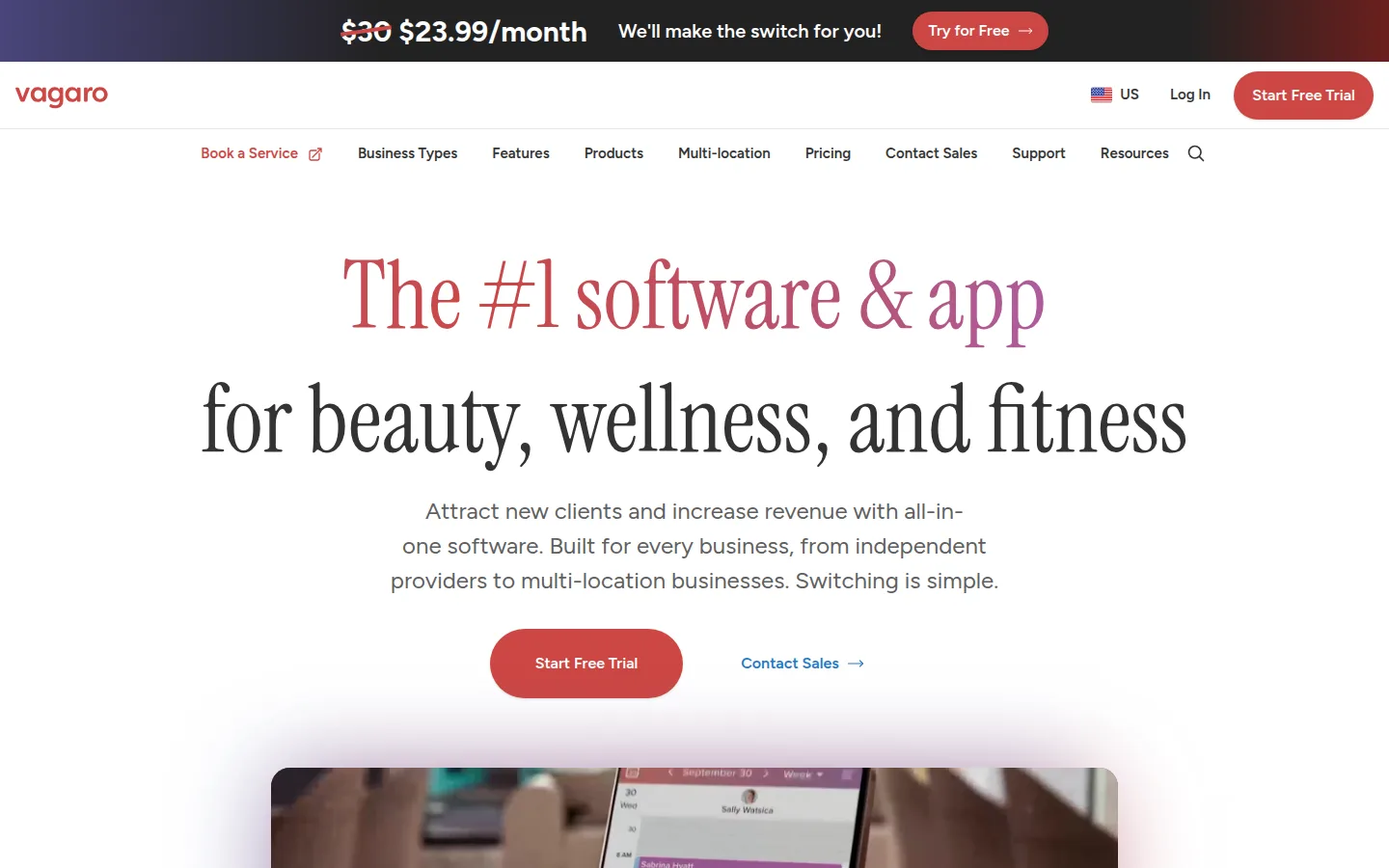
- Key features: full booking + POS + memberships + payroll + inventory, marketplace listing, included email/text appointment reminders, forms/website/branded-app add-ons, HIPAA BAA available for med-spa use.
- Pricing: 30-day trial, then about $30/month for one bookable calendar (a $23.99 promo price is common), +$10/month per additional calendar, capped around $90 for 7+; add-ons like text marketing (from $20), forms ($10), and a website ($20) are extra (per current third-party pricing checks — Vagaro shows exact pricing in-app).
- Pros: feature depth a growing salon won't outgrow; marketplace plus branded booking; BAA available.
- Cons: the real monthly bill grows add-on by add-on; per-calendar pricing punishes team growth until the cap; clients must have Vagaro accounts to book.
- Reviews: 4.7/5 on Capterra (3,400+ reviews) — as of July 2026.
5. Fresha — pay for new clients, not just software
Fresha built its name as "subscription-free" salon software. That era ended in 2025: it now costs $19.95/month for an independent professional (or $14.95 per team member), plus a 20% one-time commission (minimum $6) on the first appointment of each new client who finds you through the Fresha marketplace. Read that as the leverage it is — you're paying for client acquisition, and only when it works.
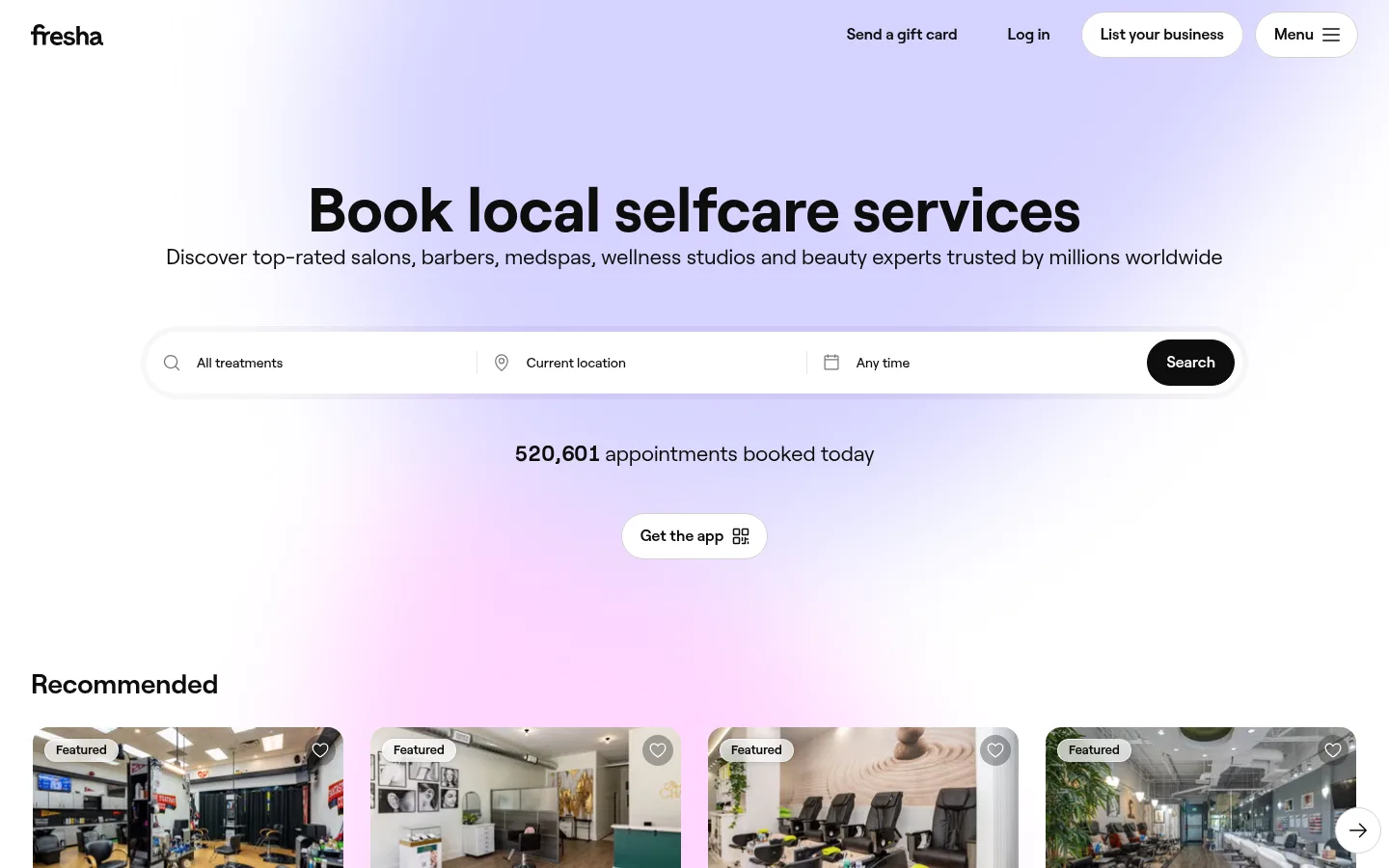
- Key features: consumer marketplace discovery, POS and card terminals, email + SMS reminders (100 free texts/month, then ~2¢ each), card-capture no-show protection, marketing tools.
- Pricing: 7-day trial, then Independent $19.95/month or Team $14.95/member/month; marketplace new-client fee as above; processing 2.29% + 20¢ in person, 2.79% + 20¢ online.
- Pros: the marketplace genuinely generates new clients and you pay only when it works; modern POS with low per-message SMS costs; strong salon/spa feature fit.
- Cons: no longer free, contrary to most articles you'll read; import your existing client list first or regulars who rebook through the marketplace can trigger the 20% fee; clients must create Fresha accounts to book online.
- Reviews: 4.8/5 on Capterra (1,400+ reviews, listed under its former name Shedul) — as of July 2026.
6. SimplyBook.me — a full booking website at a fair price
SimplyBook.me gives you a whole booking website — not just a link — with volume-based pricing that suits multi-staff shops: Basic at $11.90/month covers 5 providers, and its HIPAA mode arrives at Standard ($24.90), half of Acuity's BAA tier. The à-la-carte "custom features" system is quirky but flexible, and a 50-booking free tier makes for an honest trial.
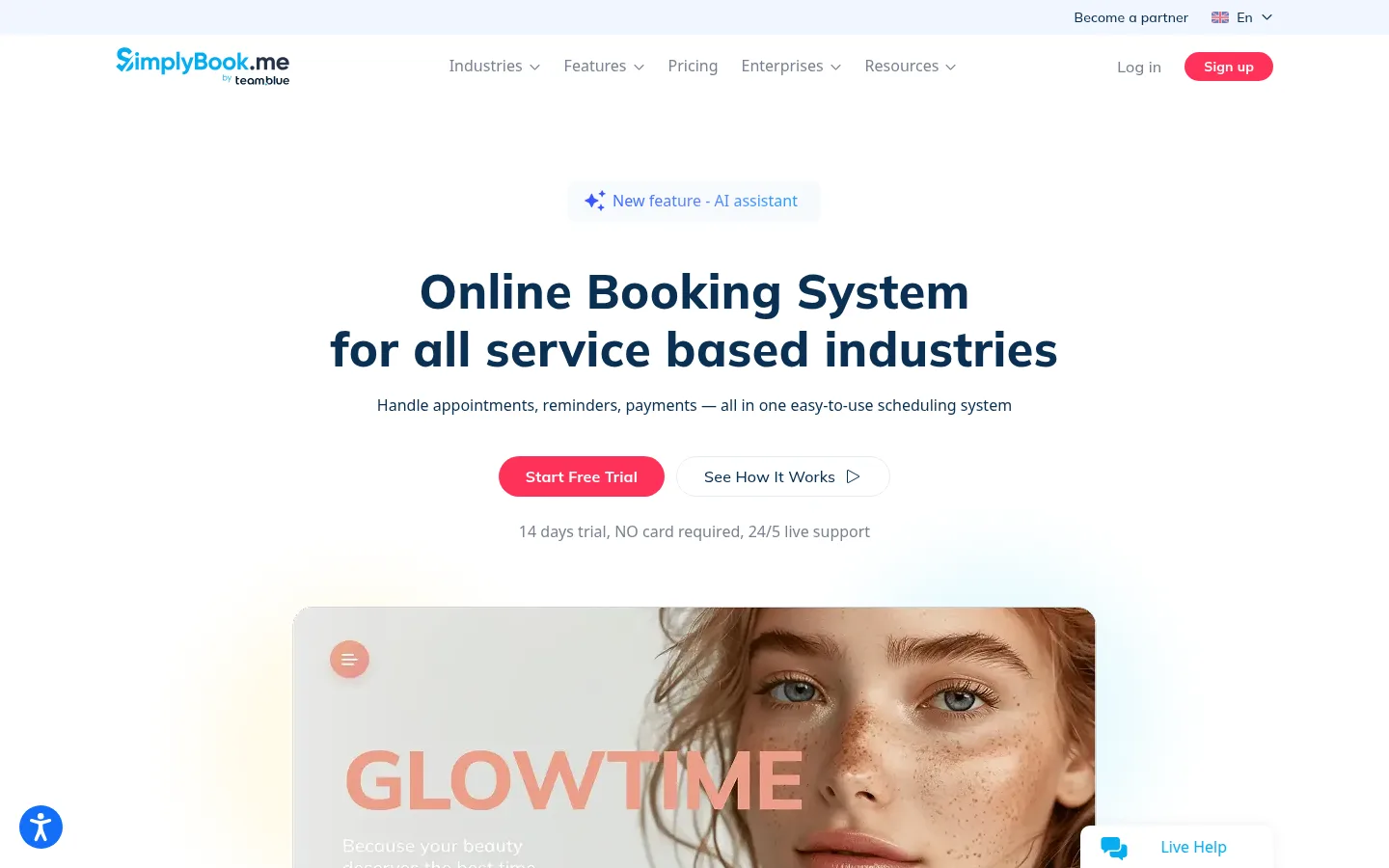
- Key features: templated booking website, intake forms/memberships/coupons/POS as pluggable "custom features", payments via Stripe/PayPal, email reminders included with SMS via prepaid credits, HIPAA feature on Standard and up.
- Pricing: Basic $11.90/month billed annually ($13.90 monthly; 100 bookings, 5 providers), Standard $24.90 ($29.90; 500 bookings, 15 providers), Premium $49.90 ($59.90; 2,000 bookings, 30 providers). SMS costs $8 per 100 credits on every tier. Free plan: 50 bookings, 1 provider, 1 custom feature.
- Pros: booking-volume pricing (not per-user) suits multi-staff shops on a budget; genuinely broad industry templates; cheapest HIPAA-capable tier here ($24.90).
- Cons: key tools consume limited custom-feature slots on cheaper plans; SMS always costs extra; a busy month can force a plan jump.
- Reviews: 4.6/5 on Capterra (1,270+ reviews) — as of July 2026.
7. Zoho Bookings — cheapest paid team scheduling
Zoho Bookings is the value pick for teams: $6 per staff per month billed annually — half of Calendly's entry price — with natural hooks into Zoho CRM if you're already in that world, plus a real free plan for one user.
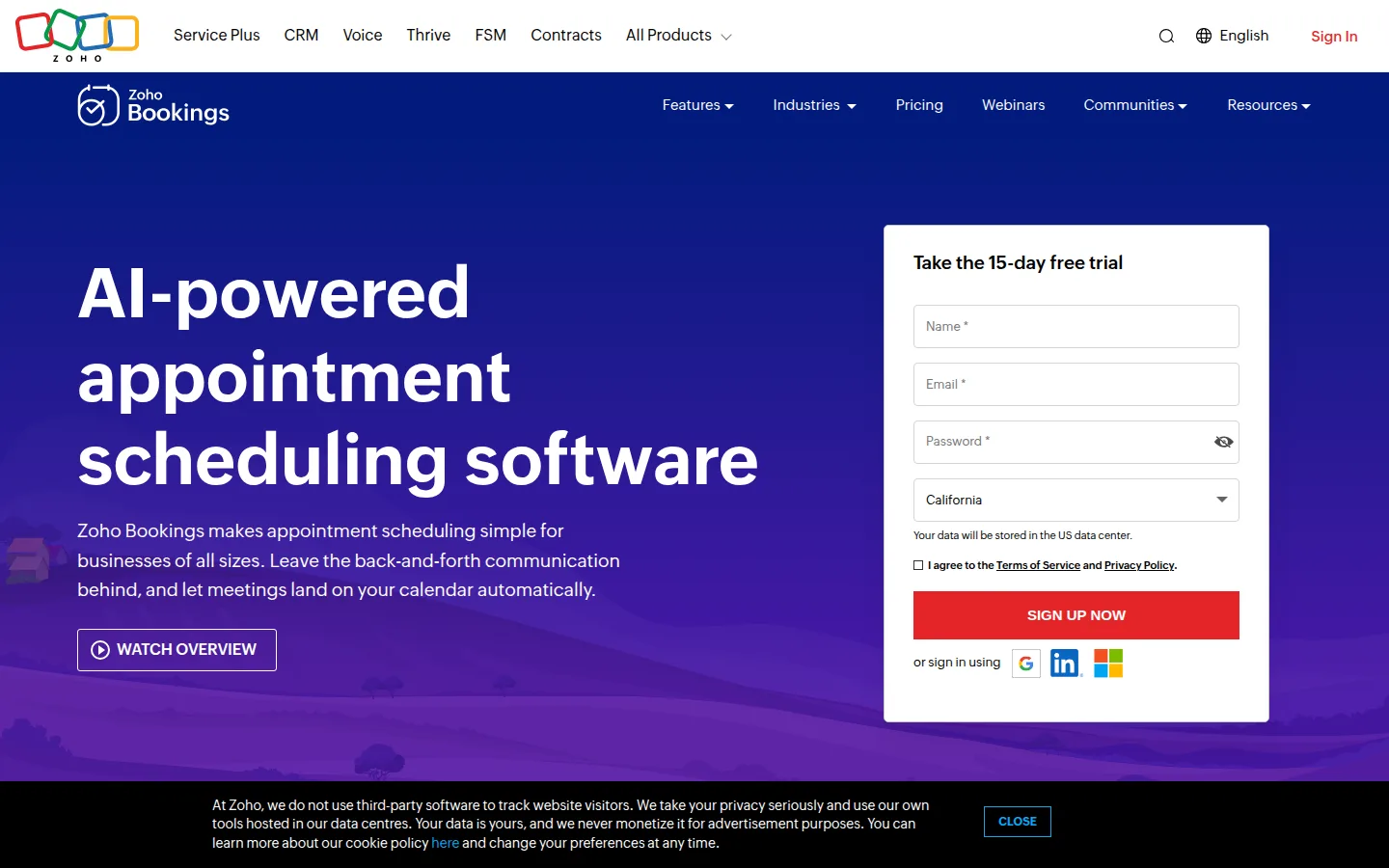
- Key features: per-staff booking pages and workspaces, two-way sync with Zoho/Google/Microsoft calendars, email reminders on all tiers, payments and SMS-gateway integration on Premium, deep Zoho CRM/Flow integration.
- Pricing: Basic $6/staff/month billed annually ($8 monthly); Premium $9/staff annually ($12 monthly) per third-party pricing checks — Zoho's page confirms the plans but renders exact dollars in a calculator, so verify at checkout. Free for 1 user (1 workspace, 1 event type).
- Pros: the cheapest credible per-staff pricing here; genuine free solo plan; plays natively with a full business suite.
- Cons: payments and SMS need the top tier plus your own SMS gateway; a small, mixed review base; less polish than Calendly/Acuity.
- Reviews: 3.7/5 on G2 (small sample of ~20 reviews — treat cautiously) — as of July 2026.
8. TidyCal — the $29 lifetime license
TidyCal (from AppSumo) sells scheduling the way owner-operators wish all software were sold: $29, once — still paying for leverage, just only paying for it once. The free plan already allows unlimited booking types and paid bookings via Stripe/PayPal; the lifetime tiers add calendar connections and team features.
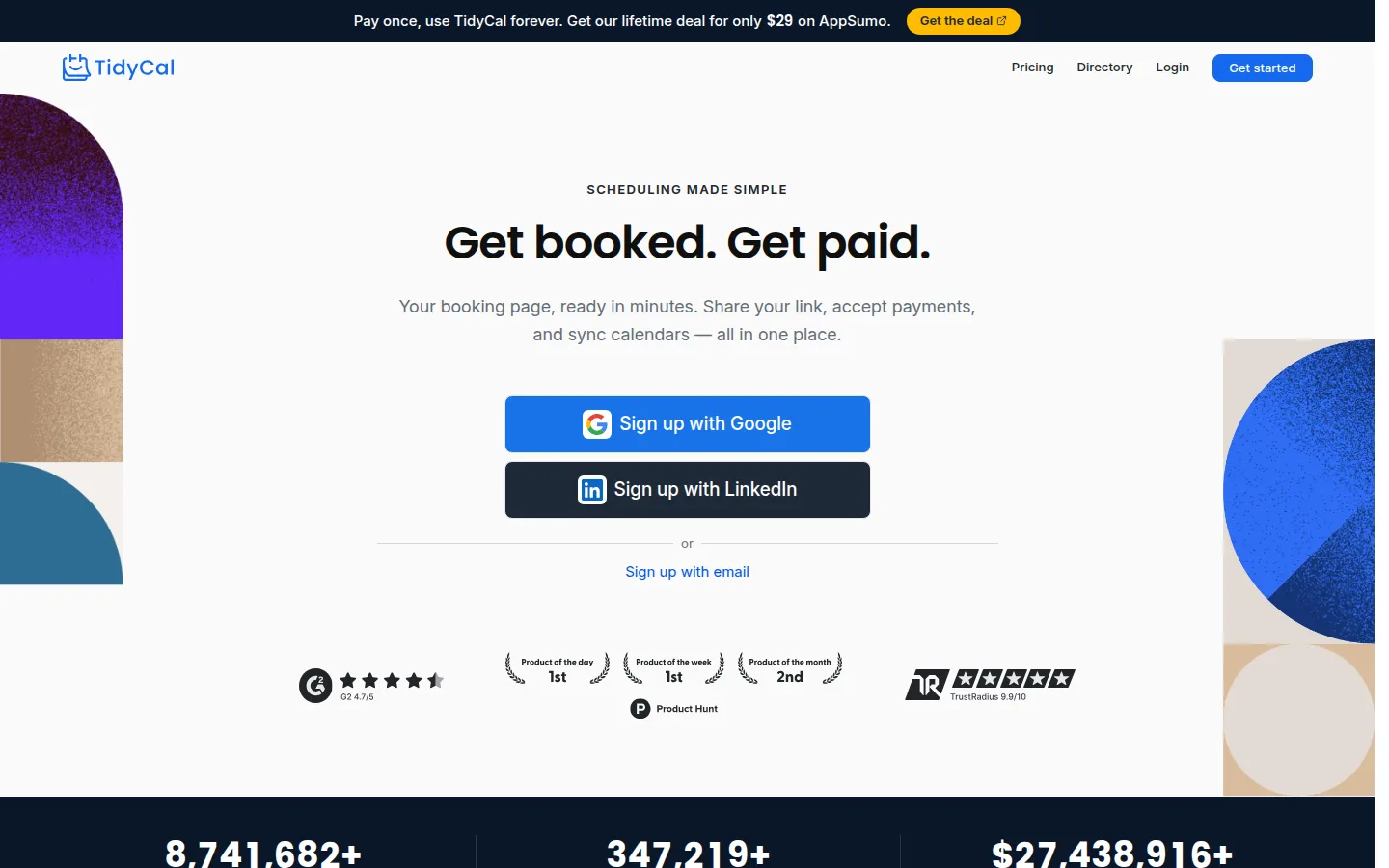
- Key features: unlimited booking types on free, Google/Microsoft/Apple calendar connections, Zoom/Meet auto-links, paid bookings on all tiers, group and round-robin bookings on Agency.
- Pricing: Individual lifetime $29 (10 calendar connections); Agency lifetime $79 (25 connections, round-robin, US/Canada SMS); a Pro subscription at $12/month or $99/year adds branding removal and a custom domain. Free plan with TidyCal branding.
- Pros: unbeatable lifetime cost against $120+/year subscriptions; free tier has no booking-type limit; simple to set up.
- Cons: thin team features; SMS only on top tiers and only US/Canada; smaller integration ecosystem (leans on Zapier) and a small review base.
- Reviews: 4.7/5 on Capterra (50+ reviews) · 4.2/5 on Trustpilot — as of July 2026.
9. Setmore — the best genuinely free team plan
Setmore gives you what nobody else does free: up to 4 users and 200 appointments a month, with payments via Square, Stripe, or PayPal included. For a two-chair salon or a small tutoring outfit that truly can't spend yet, it's the deal to beat — and the $5/user annual Pro tier is a painless graduation when SMS and calendar sync start mattering.
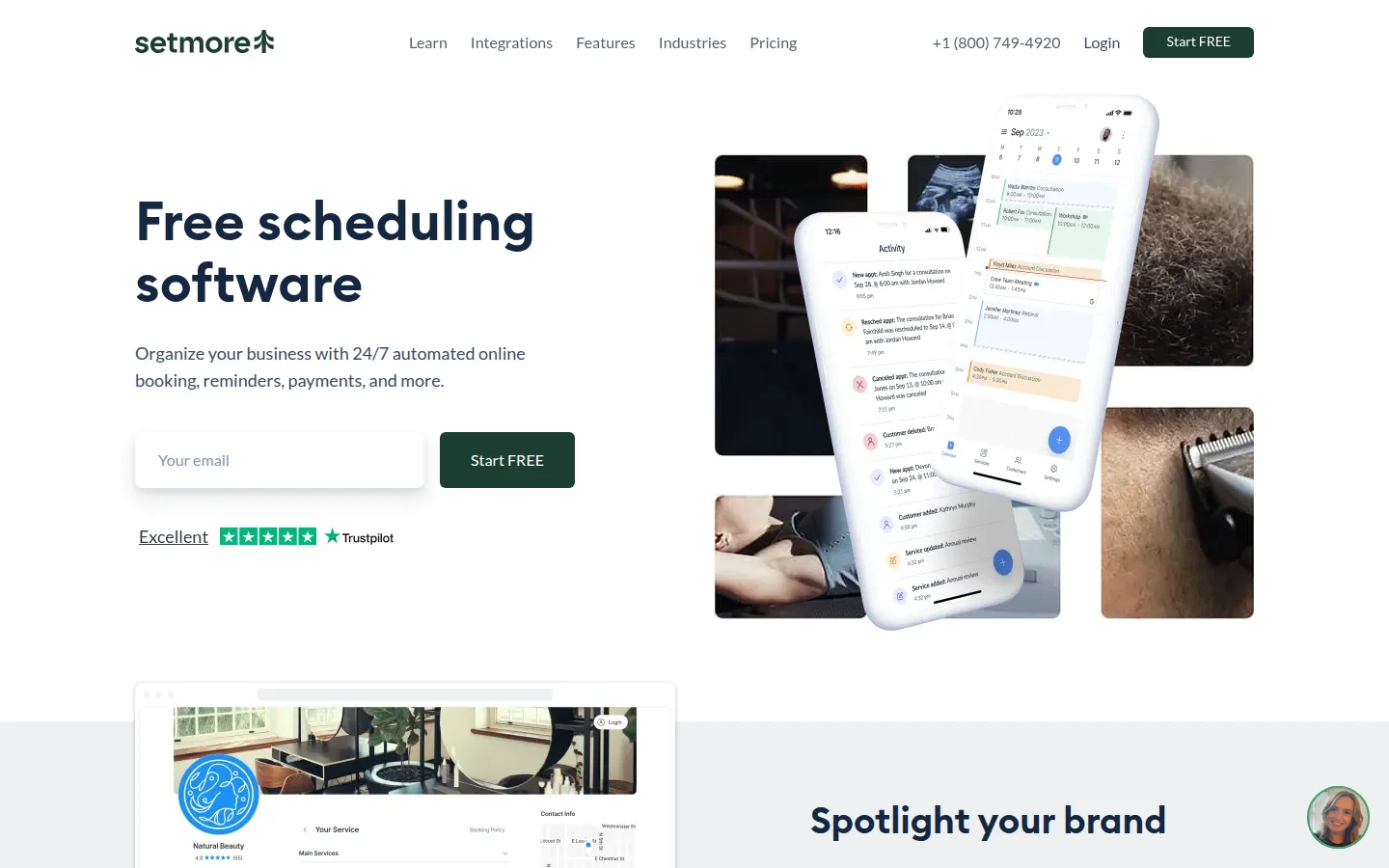
- Key features: booking page with custom URL, 4 staff calendars free, email reminders free, Zoom/Teleport video appointments, Square/Stripe/PayPal integrations on the free plan.
- Pricing: free plan as above. Pro is $5/user/month billed annually — among the cheapest team upgrades anywhere — but $12/user/month billed monthly, an unusually large gap. Pro adds SMS reminders, two-way calendar sync, and branding removal.
- Pros: most generous free seat count in this roundup; payment acceptance without a paid plan; cheap annual upgrade.
- Cons: 200 appointments/month cap on free; SMS reminders and two-way Google/Outlook sync are paywalled; month-to-month billing costs 2.4× the annual rate.
- Reviews: 4.6/5 on Capterra (950+ reviews) — as of July 2026.
10. Cal.com — the most substantive free plan (and it's open source)
Cal.com reads like Calendly with the limits removed: the free plan includes unlimited event types, Stripe and PayPal payments, and email and SMS notifications — each of which Calendly reserves for paid tiers. The core is open source (AGPL, 41k+ GitHub stars), so you can even self-host for nothing.
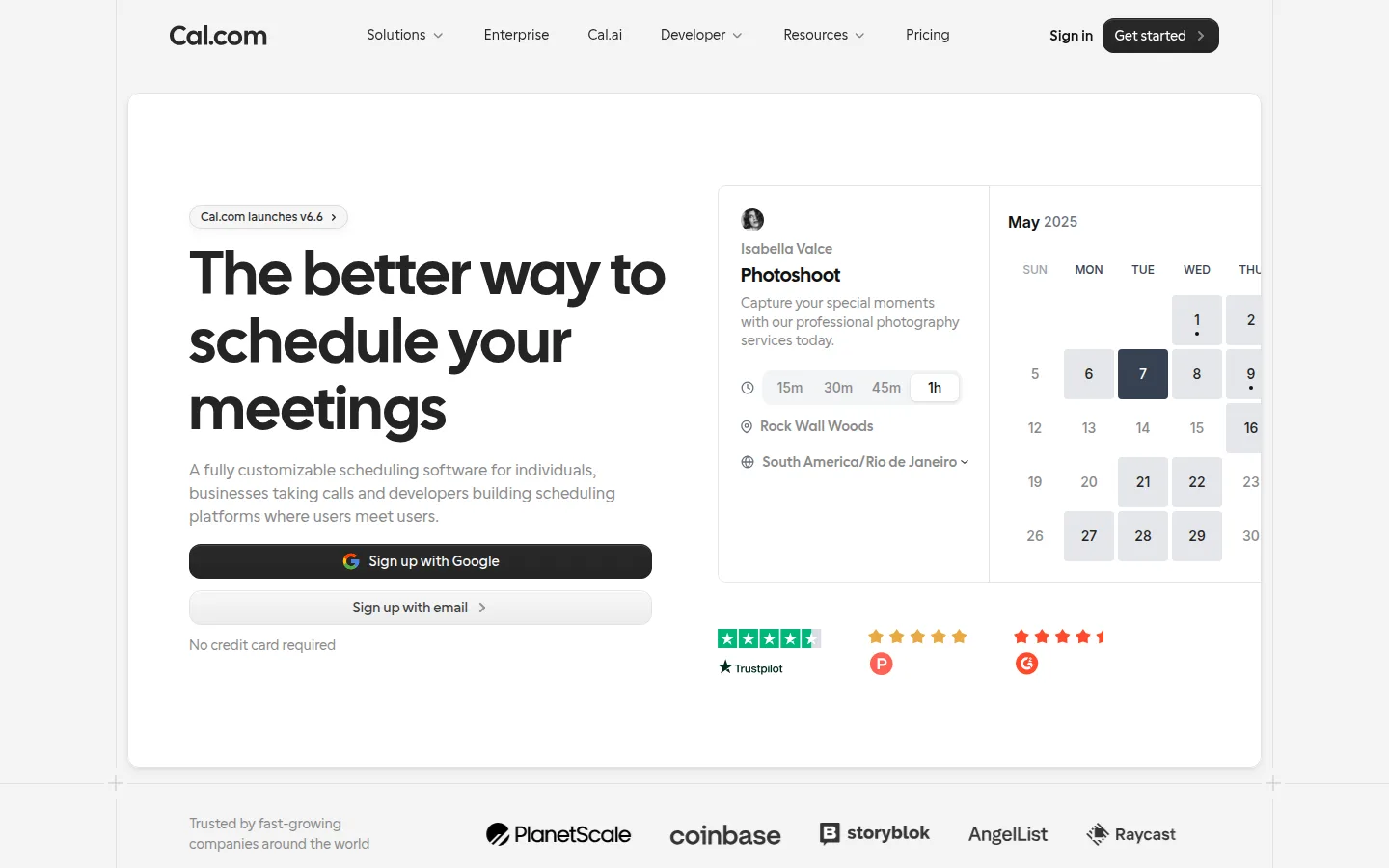
- Key features: unlimited event types free, Google/Outlook/CalDAV sync, Stripe/PayPal collection, routing forms and round-robin on Teams, API/embed-first design, optional AI phone agent.
- Pricing: free for individuals. Teams is $12/user/month billed annually (about $16 monthly); Organizations at $28/user/month adds SSO and a HIPAA/SOC 2 compliance track. Self-hosting: free.
- Pros: the most substantive free plan for a one-person consulting/coaching business; no lock-in — your booking stack can move with you; developer-friendly.
- Cons: younger product with a fraction of Calendly's review base; no card-on-file no-show fees or POS; team features cost per-seat like everyone else.
- Reviews: 4.6/5 on G2 (145+ reviews) — as of July 2026.
11. YouCanBookMe — simplest for Google/Microsoft calendars
YouCanBookMe does one thing likeably: booking pages built tightly on your Google or Microsoft 365 calendar, with smart timezone handling for tutors and consultants. The free plan is thin (one page, one calendar, branded), and — a small irony for a paid-leverage list — its exact prices live behind the app.
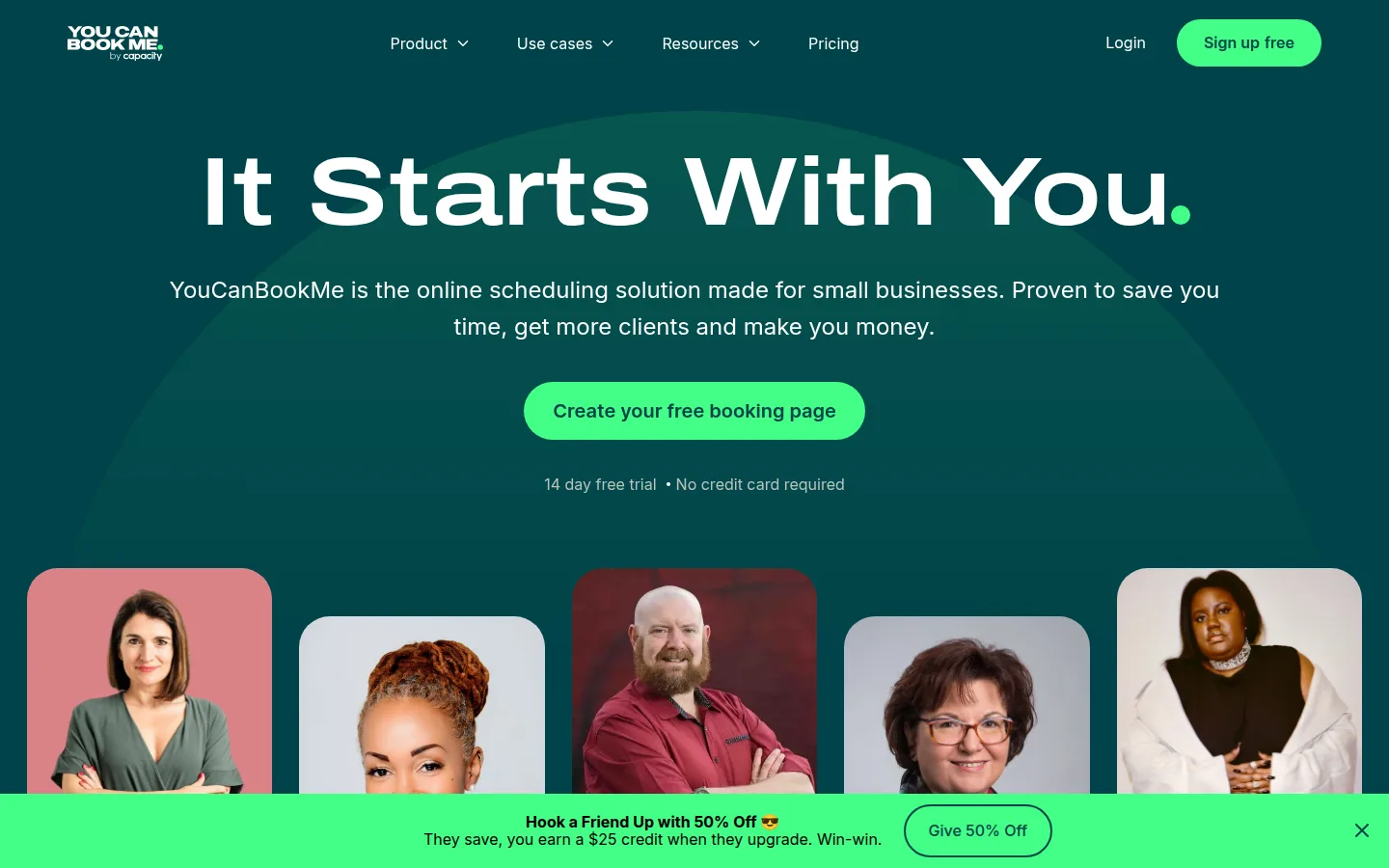
- Key features: deep Google/Microsoft 365 sync, timezone intelligence, padding and tentative bookings, Stripe payments on Professional+, email reminders on all plans.
- Pricing: Individual ~$9/month ($8.10 billed annually), Professional ~$13/month ($11.70 annually; adds SMS and payments), Teams ~$18/member/month — per current third-party pricing checks against the vendor's plan structure (2-year billing discounts another 10%). Free plan: 1 page, 1 calendar.
- Pros: genuinely simple; great fit for tutors and consultants living in Google Calendar; 30-day money-back guarantee.
- Cons: thinnest free plan here after Calendly's; SMS gated to mid tiers; public pricing is unhelpfully vague.
- Reviews: 4.6/5 on Capterra (350+ reviews) — as of July 2026.
12. Google Calendar appointment scheduling — the stopgap you already own
Any personal Google account can create one free booking page that respects your existing calendar conflicts. It's not a booking system — no reminders, payments, or client records on the free tier — but for a tutor or consultant testing demand this weekend, it costs nothing and takes five minutes. Treat it as the demand test before you buy real leverage.
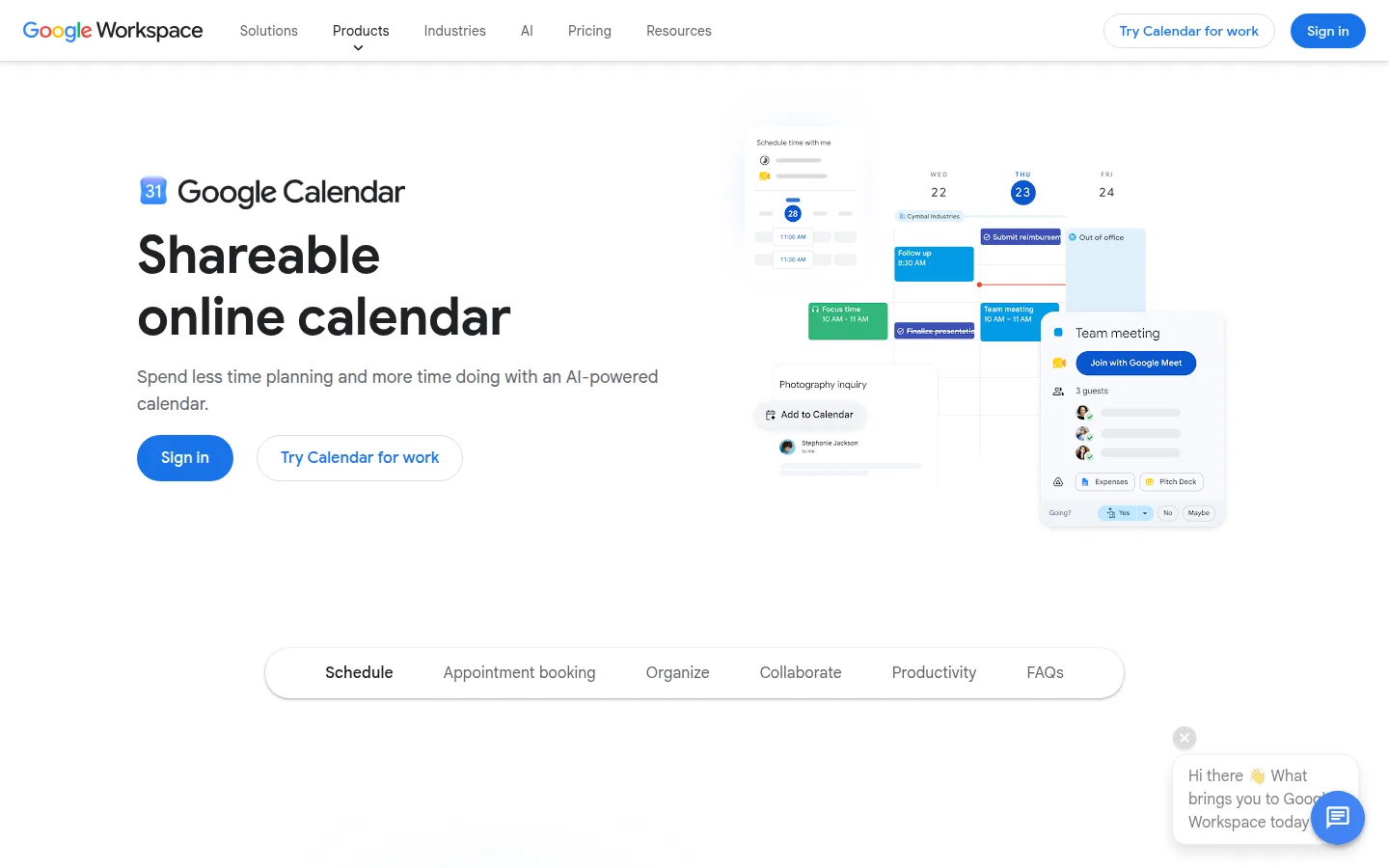
- Key features: booking page synced to your Google Calendar, booker email verification / multiple pages / email reminders / Stripe payments on premium tiers, zero learning curve.
- Pricing: free with any Google account (one booking page). The premium appointment features require Google One Premium, Workspace Individual, or Workspace Business Standard ($14/user/month annual) and up — notably, Business Starter pays for Workspace yet doesn't get booking pages.
- Pros: free and instant if you have Gmail; bookers need no account; fine as a demand test before buying real software.
- Cons: no SMS at any tier and no reminders on free; no client records, no-show fees, or industry features; the premium gating is confusing.
- Reviews: skipped — the scheduling feature has no standalone review listing, and rating all of Google Workspace here would be misleading.
Which should you choose?
- Solo service pro who bills for time (trainer, therapist, tutor, consultant): Acuity — forms, packages, deposits, and included SMS are exactly the leverage that protects revenue.
- You take card payments at the chair or on site: Square Appointments — start on the solo tier, grow into Plus.
- Client-facing consultant or agency: Calendly Standard — $10/month for the link clients already trust, with payments and SMS workflows.
- Multi-chair salon/spa/fitness studio: Vagaro for depth, or Fresha if paying 20% for genuinely new clients beats paying for software features.
- Multi-staff shop on a tight budget: SimplyBook.me (volume pricing) or Zoho Bookings ($6/staff).
- Health-adjacent and you need a BAA: Acuity Premium, SimplyBook.me Standard+, Square, or Vagaro — see the FAQ.
- Genuinely can't spend yet: Setmore (teams) or Cal.com (consultants) are the honest free starts — graduate when the first no-show stings.
Put your booking link where people actually see it
Booking software only works when clients find the link. Three free, no-signup helpers: generate a QR code for your counter card, window sticker, or van door that points at your booking page (ours don't expire); add the link under every email with the Email Signature Generator; and when the appointment's done, bill cleanly with the Invoice Generator. If you're building the rest of your stack, our guides to free CRMs and free email marketing tools cover keeping and re-booking those clients.
FAQs
What is the best appointment scheduling software for a small business?+
For most solo service professionals, Acuity — its Standard plan ($27/month annual) bundles the intake forms, packages, deposits, and included SMS reminders that actually protect revenue. Square Appointments is the pick when payments live at the center of the business, and Calendly Standard is the consultant's answer. The free tiers (Setmore, Cal.com) are honest starting points rather than long-term homes.
Do automated reminders actually reduce no-shows?+
Yes — a [Cochrane systematic review](https://www.cochranelibrary.com/cdsr/doi/10.1002/14651858.CD007458.pub3/full) of randomized trials found SMS reminders increased attendance versus no reminders (risk ratio 1.10), matching phone-call reminders at roughly 55–65% of the cost. The effect is modest but real — and it's the core of the case for paying for a plan that includes SMS rather than settling for email-only.
Do my clients need to create an account to book?+
Usually no — Calendly, Acuity, Setmore, TidyCal, SimplyBook.me, YouCanBookMe, and Google booking pages all let clients book with just an email. The two salon marketplaces are the exception: Fresha and Vagaro both require clients to have accounts on their platforms, which adds friction but powers their marketplace discovery.
How do SMS reminder costs work?+
Three models: included in the plan tier (Acuity Standard+, Setmore Pro, Calendly Standard+ with 250 credits/seat/month, Square paid plans), prepaid credits or per-message (SimplyBook.me at $8 per 100, Fresha at ~2¢ after 100 free), or not offered (Google Calendar). Cal.com is the outlier that includes SMS notifications on its free plan.
Which scheduling tools are HIPAA-compliant?+
"HIPAA-compliant" means the vendor will sign a Business Associate Agreement and you configure it correctly. As of July 2026: Acuity signs a BAA on Premium ($49/month annual) only; SimplyBook.me offers a HIPAA feature on Standard and up; Square and Vagaro both offer BAAs; Cal.com lists HIPAA on its Organizations plan; Google Workspace's BAA covers Calendar. Calendly does not sign BAAs on standard plans — don't collect health information through it.
Is Calendly or Acuity better for a small business?+
Different jobs: Calendly is the best pure booking link — polished, familiar, integration-rich — while Acuity is a service-business system with intake forms, packages, deposits, and included SMS. If clients book **conversations** with you, Calendly; if clients book **services** with prep, payment, and policies attached, Acuity.
Final take
Buy the tool that protects the calendar, not just the one that fills it. Acuity earns its fee for solo service pros, Square for anyone whose business runs through card payments, Calendly Standard for client-facing consultants, and Vagaro/Fresha for salons where software and client acquisition blur together. The free tiers — Setmore, Cal.com, Google's booking page — are honest on-ramps while you prove demand. Whichever you pick, don't let the link sit idle: put a QR code on the counter and the booking link in your email signature, and let clients book you while you're busy working.
Free tools to try
Keep reading
Guide
Best Free CRM for Small Business (2026)
12 free CRMs ranked by real limits — Zoho, Freshsales, HubSpot, Bitrix24 and more, with true user caps, contact caps, and upgrade costs as of July 2026.
Guide
Best Free Email Marketing Tools for Small Business (2026)
13 free email marketing tools ranked by what you really get free after 2026's big plan cuts — PosterMyWall, Kit, Sender, Brevo and more, with real limits.
Guide
Free Small Business Tools (No Signup): The Complete List
A directory of free small business tools — pricing calculators, invoicing, marketing, SEO, and writing. No signup, no paywall, and they explain the math.